EasyManua.ls Logo

Eldes ESIM320 - User Manual

Eldes ESIM320
34 pages
Print Icon
To Next Page IconTo Next Page
Loading...
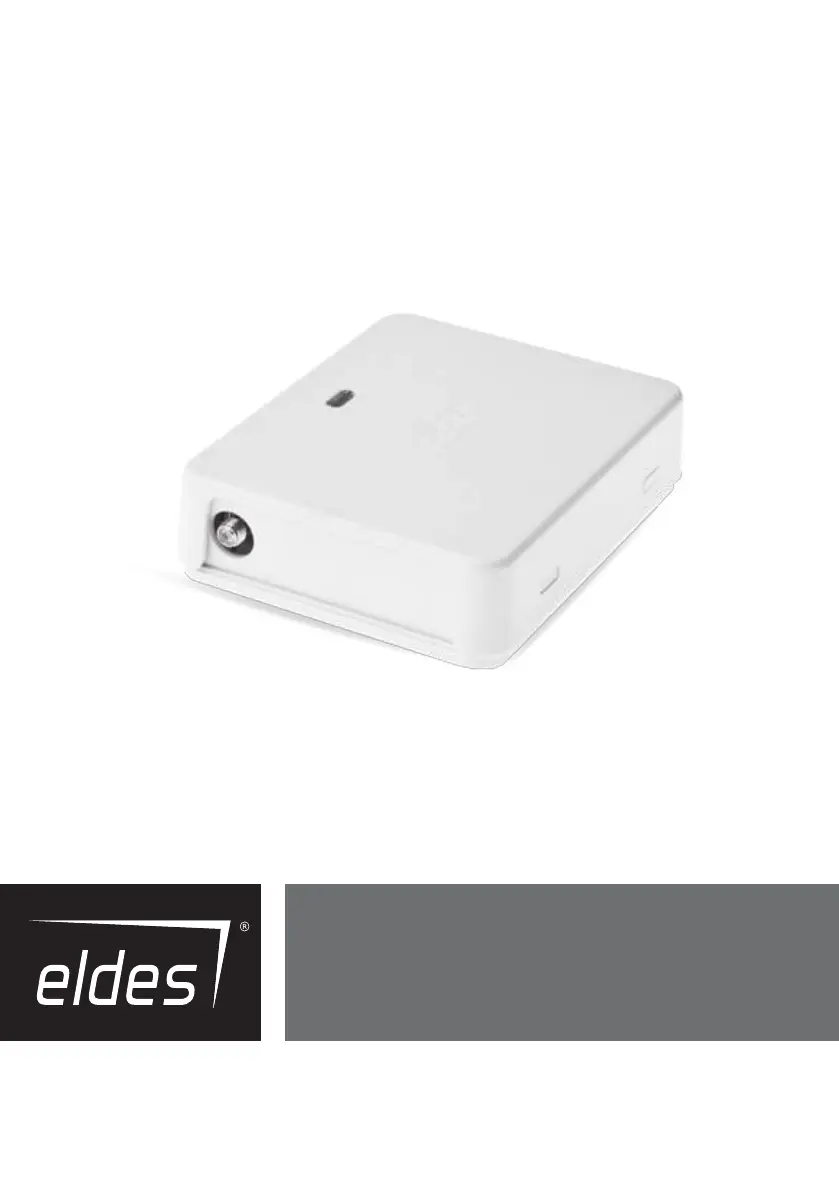
ELDES GATE
CONTROLLER
ESIM120/ESIM320/ESIM320US

Other manuals for Eldes ESIM320

Questions and Answers

  • H
    Heather FischerJul 27, 2025
    What to do if Eldes ESIM320 Controller doesn't receive SMS text messages?
    • B
      Beverly BaileyJul 28, 2025
      If you're unable to receive SMS text messages to the administrator phone number or control the output, ensure the SIM card has sufficient credit. Check if the caller's number is withheld. Verify the network signal and ensure the administrator/user phone number exists and is correct. Also, ensure the SIM card was not replaced before disconnecting mains power, and check the SMS center phone number.
  • W
    William Wise DVMAug 1, 2025
    How to fix Eldes Controller not connecting remotely via GPRS?
    • J
      jodimooneyAug 1, 2025
      If you are unable to connect to the Eldes Controller device remotely via GPRS connection, check the GPRS settings (APN, user name, password). Ensure the SIM card has sufficient credit balance, and verify that the mobile internet service (GPRS) is activated on the SIM card.
  • J
    james01Aug 6, 2025
    What does 'Wrong syntax' SMS mean for Eldes ESIM320 Controller?
    • P
      paulhensonAug 6, 2025
      If you receive an SMS text message “Wrong syntax” on your Eldes Controller, check for an incorrect SMS text message structure or an unnecessary space character typed in the SMS text message.
  • N
    nicholas75Aug 12, 2025
    What to do if Eldes ESIM320 SIM STAT and NETW indicators are OFF?
    • M
      mmosleyAug 12, 2025
      If the SIM STAT and NETW indicators are OFF on your Eldes Controller, check for mains power, wiring, fuse, antenna connection, or issues with the micro-controller.
  • T
    Timothy CrawfordAug 16, 2025
    Why is the SIM STAT indicator ON in my Eldes ESIM320 Controller?
    • S
      scostaAug 16, 2025
      If the SIM STAT indicator is ON on your Eldes Controller, check for a missing SIM card, an enabled PIN code, or an inactive SIM card.
  • K
    Krystal ClarkAug 21, 2025
    What does it mean when SIM STAT indicator is lashing on Eldes Controller?
    • N
      nleeAug 21, 2025
      If the SIM STAT indicator is lashing on your Eldes Controller, check for a connection fault.

Summary

Safety Instructions

General Safety Guidelines

Covers initial bullet points regarding system usage environment, interference, humidity, and weather precautions.

Electrical and Installation Safety

Details precautions for power connection, disconnection, approved supplies, circuit breakers, earthing, and fuse replacement.

Product Terms and Conditions

Technical Support Contact

Provides information on obtaining technical assistance for product operation and troubleshooting.

Technical Specifications

Electrical and Mechanical Details

Specifies electrical characteristics like supply voltage, current, and mechanical dimensions.

Installation Guide

Wiring and Antenna Connection

Instructions for wiring the system and connecting the antenna, including placement recommendations.

SIM Card Setup

Steps for disabling SIM PIN and inserting the SIM card into the device.

Configuration Methods

SMS Text Message Configuration

Configures and controls the system using specific SMS text commands.

ELDES Configuration Tool Software Setup

Utilizes PC software for local or remote system configuration via USB or GPRS.

Remote Connection Configuration

Establishes remote system configuration via GPRS using ELDES proxy server or TCP/IP.

SMS Password Configuration

Administrator Phone Number Management

Setting Administrator Numbers

Procedure for setting up to 5 administrator phone numbers for system control and configuration.

Date and Time Management

Automatic Date and Time Synchronization

Enables automatic setting of date and time via GSM network or SMS text messages.

User Phone Number Database Management

Adding Users to Database

Procedure for adding user phone numbers and optional names to the 2000-capacity database.

User Validity and Access Restriction

Assigning Schedulers to Users

Links users to schedulers for time-based access control and output activation.

Setting User Expiry Deadline

Sets a specific date and time after which a user's access will be automatically revoked.

Output Control

Output Control by SMS

Timed Output ON;OFF

Turns outputs ON or OFF for a specified duration via SMS command.

Setting Output Start-up State

Configures the initial state (ON or OFF) of outputs when the system powers up.

Universal Output Control

Enable Control from Any Phone Number

Allows output control via free phone calls from any phone number, not just listed ones.

Automatic Output Control

Assigning Schedulers for Automation

Assigns schedulers to control outputs automatically based on weekdays and time.

System Notifications

SMS Text Message Delivery Limits

Manages daily and monthly limits for SMS text messages sent by the system.

SMSC Phone Number Configuration

Sets the Short Message Service Center number for reliable SMS delivery.

GPRS Network Settings

Setting Access Point Name (APN)

Configures the APN for GPRS connection to remote servers.

Incoming Phone Number Verification

Managing Phone Number Verification Settings

Configures phone number length verification for access control.

Remote System Restart

Restarting the System Remotely

Initiates a system restart using an SMS command for remote troubleshooting.

Technical Support and Troubleshooting

Troubleshooting Common Issues

Provides solutions for common indications like OFF indicators, SIM status, and SMS errors.

Restoring Default Parameters

Procedure to reset the device to its factory default settings.

Firmware Update via USB Cable

Instructions for updating the device firmware using a USB connection to a PC.

ELDES Cloud Services

Enabling ELDES Cloud Services

Activates the cloud platform for remote system monitoring and control via web browser.

Eldes ESIM320 Specifications

General IconGeneral
GSM bands850/900/1800/1900 MHz
Operating Temperature-20°C to +55°C
SIM Card TypeMini-SIM (2FF)
Communication TechnologyGSM/GPRS
Outputs4
Power Supply12V DC
Supported ProtocolsSMS
AntennaExternal

Related product manuals