29
29EN
ELDES GATE CONTROLLER ESIM120/320 User Manual v.1.1
17. GPRS NETWORK SETTINGS
The GPRS network settings are used for device communication with the remote conguration server or ELDES Cloud Services server via
GPRS connection. To set the GPRS network settings, please refer to the following conguration methods.
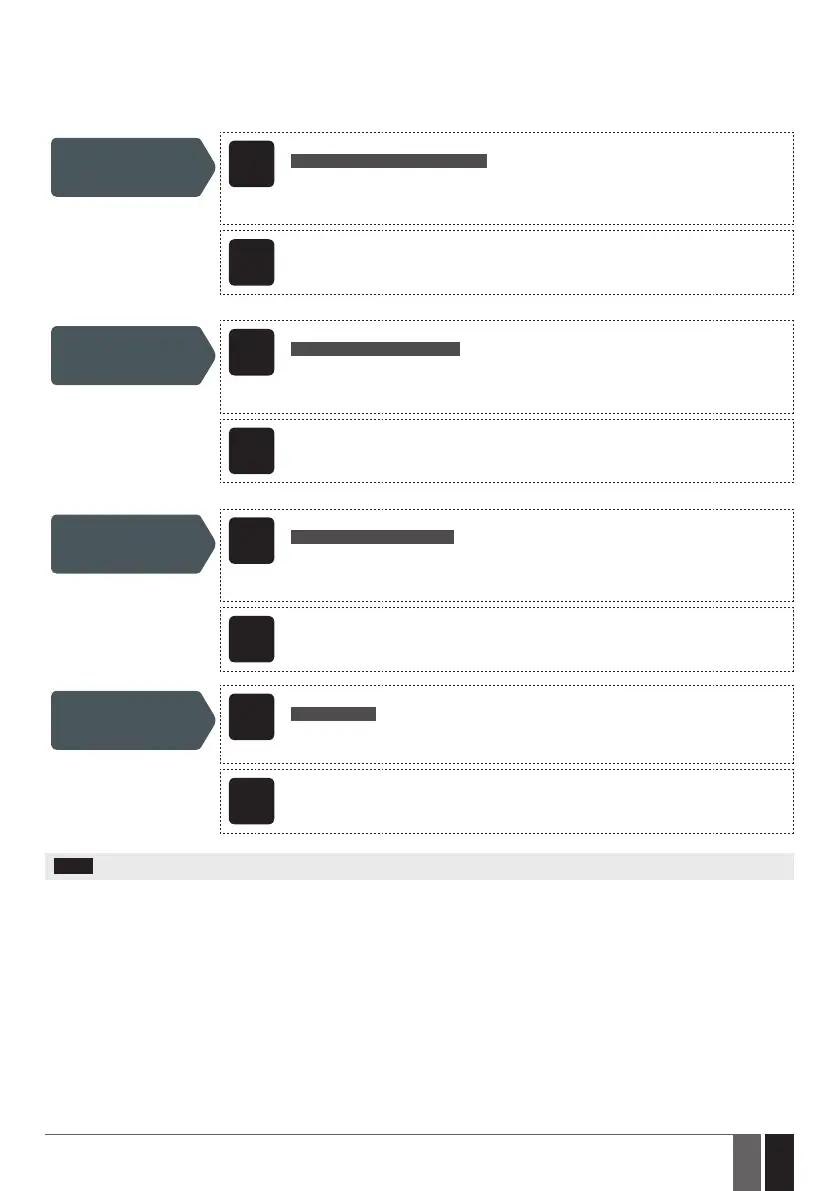
Set APN
SMS
SMS text message content:
ssss_SETGPRS:APN:acc-point-name
Value: ssss – 4-digit SMS password; acc-point-name – up to 31 character APN (Access
Point Name) provided by the operator.
Example: 1111_SETGPRS:APN:internet
Cong
Tool
This operation may be carried out from the PC using the ELDES Conguration Tool software.
Set user name
SMS
SMS text message content:
ssss_SETGPRS:USER:usr-name
Value: ssss – 4-digit SMS password; usr-name – up to 31 character user name provided by
the operator.
Example: 1111_SETGPRS:USER:mobileusr
Cong
Tool
This operation may be carried out from the PC using the ELDES Conguration Tool software.
Set password
SMS
SMS text message content:
ssss_SETGPRS:PSW:password
Value: ssss – 4-digit SMS password; password – up to 31 character password provided by
the operator.
Example: 1111_SETGPRS:PSW:mobilepsw
Cong
Tool
This operation may be carried out from the PC using the ELDES Conguration Tool software.
View GPRS network
settings
SMS
SMS text message content:
ssss_SETGPRS?
Value: ssss – 4-digit SMS password.
Example: 1111_SETGPRS?
Cong
Tool
This operation may be carried out from the PC using the ELDES Conguration Tool software.
NOTE: Multiple parameters can be set by single SMS text message, e. g. 1111_SETGPRS:APN:internet;USER:mobileusr;PSW:mobilepsw


 To Next Page