15
press the ΔMENU key twice. Use the UP or DOWN arrow key to increase or decrease the low pressure limit. To
return to the main screen, press the DISPLAY key.
When the low pressure limit is violated, the pump stops running, the lower red LED lights and the display shows
LO PRESS XXXX.
Configuration Screens
To access the configuration screens, hold the DISPLAY key while pressing the ΔMENU key. To cycle to the next
command, press the ΔMENU key.
Setting the Compressibility Compensation Factor
Various fluids have different
compressibilities at different pressures.
You can adjust for compressibility by
setting the compressibility compensation
factor. The default setting is 0. The
maximum setting is 60. Each increment
increases motor speed by approximately
1%.
To change the compressibility compensation factor, hold the DISPLAY key and press the ΔMENU key (from the
main display), or, when in the configuration screens press the ΔMENU key to display the “compress” screen. Use
the UP or DOWN arrow key to increase or decrease the compressibility compensation factor. To return to the
main screen, press the DISPLAY key.
Sending the Piston to the Home Position
The piston can be sent to the fully forward
position, useful when changing piston
seals.
To send the piston to the forward position,
hold the DISPLAY key and press the
ΔMENU key (from the main display). Press the RUN key. The motor will drive the piston to the home position.
To return to the main screen, press the DISPLAY key.
Changing the Refill Rate Setup
Optos pumps can be set to a variety of refill:output ratios. The default setting, refill: full out, optimizes the ratio
for minimal pulsation throughout the flow
rate range, by minimizing the refill portion
of the duty cycle. Other settings are:
refill: 15 out: 85 (sets the ratio to 15:85),
refill: 30 out: 70 (sets the ratio to 30:70),
refill: 50 out: 50 (sets the ratio to 50:50),
refill: 70 out: 30 (sets to ratio to 70:30).
To change the refill rate, hold the DISPLAY key and press the ΔMENU key (from the main display), or, when in the
configuration screens press the ΔMENU key to display the “refill” screen. Use the UP or DOWN arrow key to
change the refill:output ratio. To return to the main screen, press the DISPLAY key.
Setting the Liquid End Type (Piston size and Liquid End material)
Optos pumps can have one of several different liquid ends and pistons installed. When shipped from the factory,
the setting is for the model purchased.
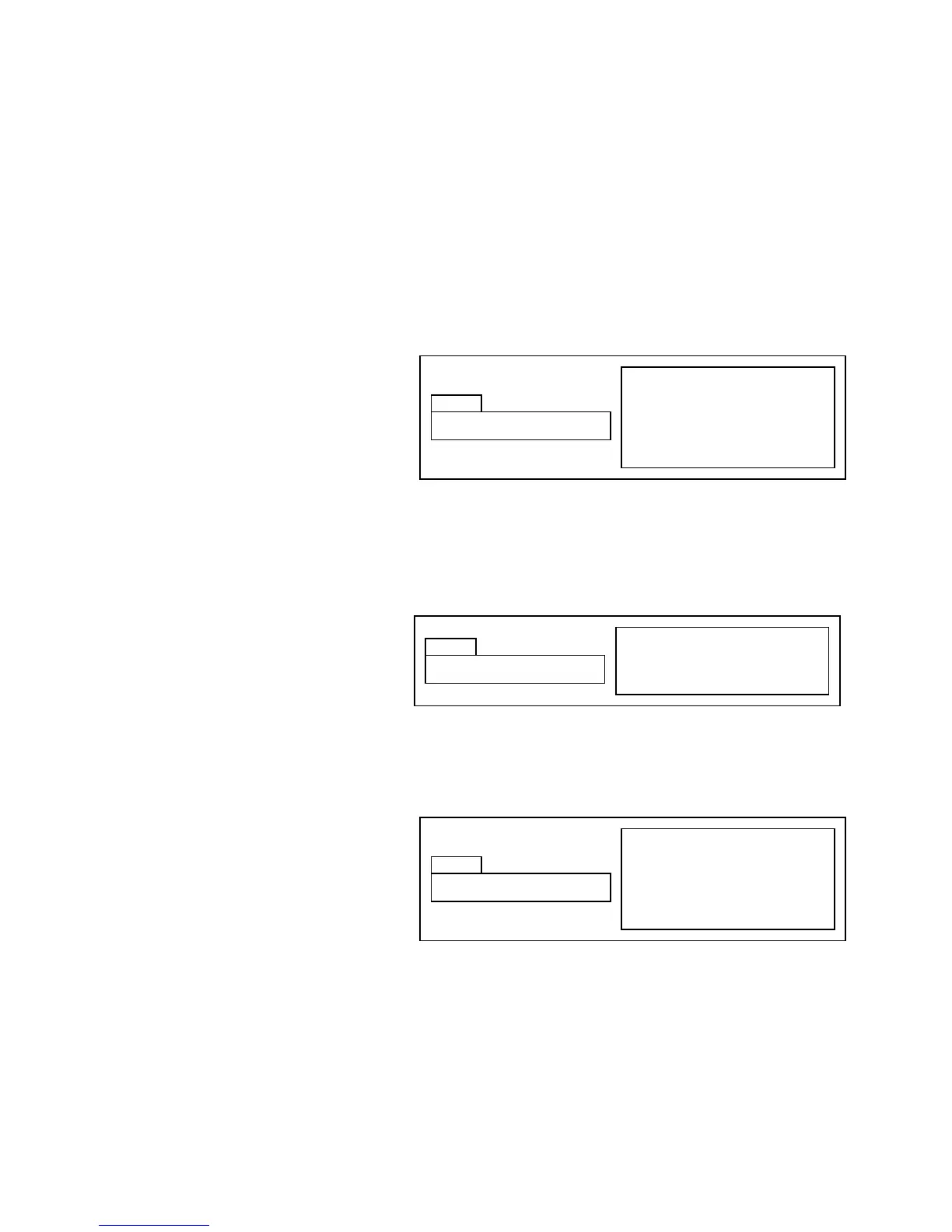
Hold DISPLAY & press ΔMENU key
from main display, press ΔMENU
key
Use UP and DOWN keys to set
Press DISPLAY key to return to
main display
Hold DISPLAY & press ΔMENU key
from main display, press ΔMENU
key
Use UP and DOWN keys to set
Press DISPLAY key to return to
main display
Hold DISPLAY & press ΔMENU key
from main display
Press RUN to send piston to home
(forward) position


 To Next Page