19
Setting the Contact Closures during Remote Analog Mode
Normally, the contact closures start and
stop are used in conjunction with the
local keypad. The keypad is used to set
the flow rate and the start and stop
contacts are used to mimic the function
of the RUN/STOP key. Normally, when
using the remote analog modes of
operation, if you do not want the pump to
run, you do not send an appropriate signal to the relevant remote analog port on the I/O. If you want to use the
contact closures to start and stop the pump when sending an analog signal, change the setting in the REM
Contact screen to ON. The default setting is OFF.
To change the REM Contact, hold the ΔMENU key and press the DISPLAY key (from the main display), or, when
in the advanced screens press the ΔMENU key to display the “REM Contact” screen. Use the UP or DOWN arrow
key to change the limit setting (OFF = contact closures cannot be used in conjunction with the remote analog
controls; ON = contact closures must be used in conjunction with the remote analog controls). To return to the
main screen, press the DISPLAY key.
Viewing the Stroke Length
You may view the stroke length of the
piston of your pump by holding the
ΔMENU key and pressing the DISPLAY key
(from the main display), or, when in the
advanced screens press the ΔMENU key to
display the “stroke” screen. To return to
the main screen, press the DISPLAY key.
Zeroing the Pressure Transducer
If the Optos pump is fitted with the
“Plus” option, a pressure transducer is
present in the damper assembly. The
pressure transducer is sensitive to
temperature changes and can read a
pressure when no pressure is present. It
is possible to re-zero the pressure
transducer.
To zero the pressure transducer, hold the ΔMENU key and press the DISPLAY key (from the main display), or,
when in the advanced screens press the ΔMENU key to display the ‘press” screen. Press the RUN key to zero the
transducer. Be sure to do this when there is no pressure on the pump. To return to the main screen, press the
DISPLAY key.
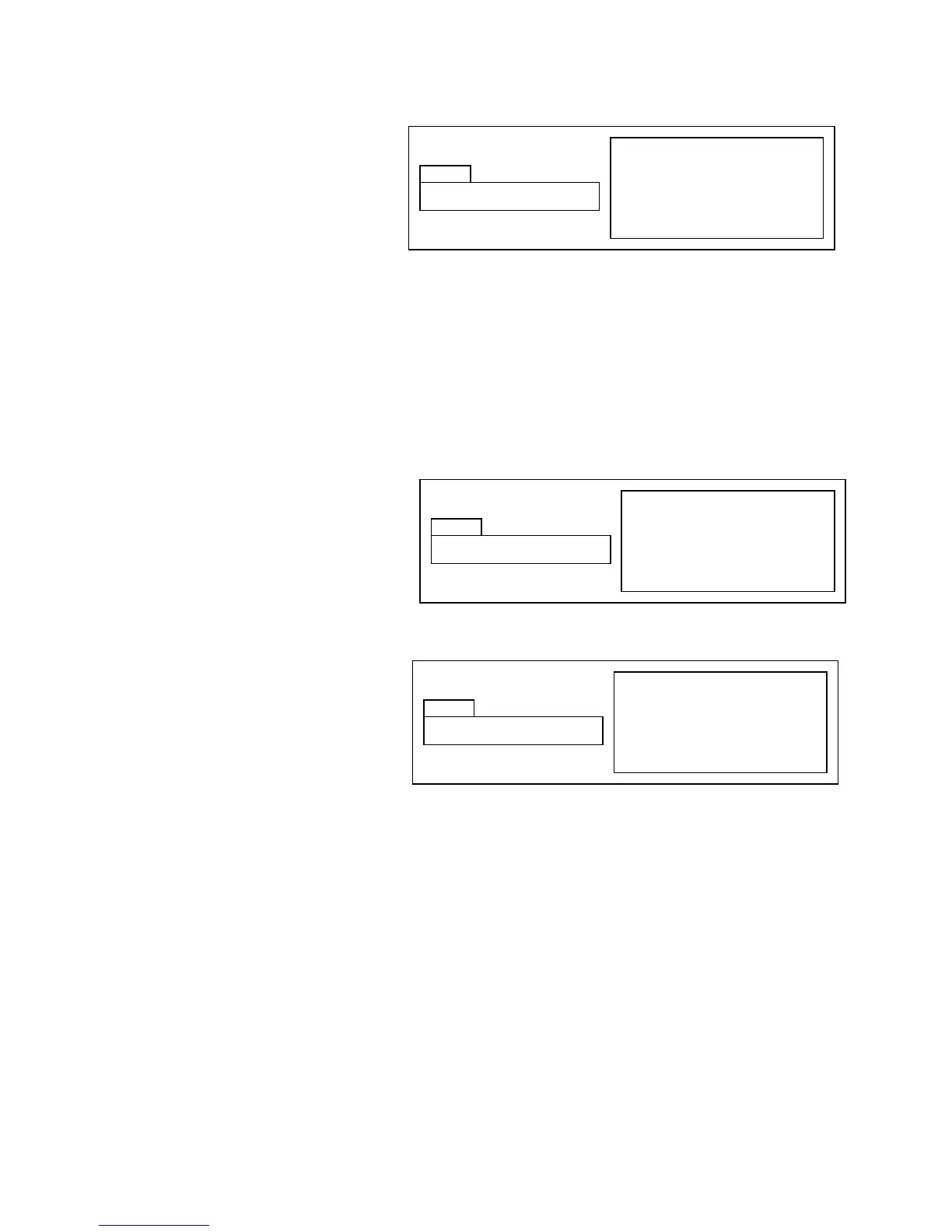
Hold ΔMENU & press DISPLAY key
from main display, press ΔMENU
Press RUN key to zero
Press DISPLAY key to return to
main display
Hold ΔMENU & press DISPLAY key
from main display, press ΔMENU
Press RUN key to zero
Press DISPLAY key to return to
main display
Hold ΔMENU & press DISPLAY key
from main display, press ΔMENU
Use UP and DOWN keys to set
Press DISPLAY key to return to
main display


 To Next Page