18
Setting the Error Delay
When an error occurs, the red light is
illuminated. If the motor stall
shutdown is set to ON, the pump will
stop pumping. These occur
immediately when the Error Delay is
set to 0. You may wish for a delay to
be built into the response to an error (in
the event of a transient problem). You
can set a delay of up to 10 seconds. With the delay, the pump will not illuminate the red light or stop the pump
(when the motor stall shutdown is set to ON) until the error condition persists for the set number of seconds (0-
10). The default setting is 0.
To change the error delay setting, hold the ΔMENU key and press the DISPLAY key (from the main display), or
when in the advanced screens press the ΔMENU key to display the “error” screen. Use the UP or DOWN arrow key
to change the error delay setting. To return to the main screen, press the DISPLAY key.
Setting the Save State
When a power failure occurs, the pump
does not normally start again when
power is restored. If you want the
pump to start pumping again when
power is restored, you can set the “save
state” to ON. The default setting is
OFF.
To change the save state, hold the ΔMENU key and press the DISPLAY key (from the main display), or, when in
the advanced screens press the ΔMENU key to display the “save state” screen. Use the UP or DOWN arrow key to
change the limit setting (OFF = pump does not start pumping after power is restored; ON = pump starts running
after power is restored). To return to the main screen, press the DISPLAY key.
Setting the Save In Run Flow Rate
Depending on conditions, the pump may
not “remember” the set flow rate when
turning the pump off. If you want the
pump to always remember the last run
flow rate, set the save in run to ON. The
default setting is OFF.
To change the save in run, hold the
ΔMENU key and press the DISPLAY key
(from the main display), or, when in the advanced screens press the ΔMENU key to display the “save in run”
screen. Use the UP or DOWN arrow key to change the limit setting (OFF = pump may not remember the last run
flow rate; ON = pump remembers the last run flow rate). To return to the main screen, press the DISPLAY key.
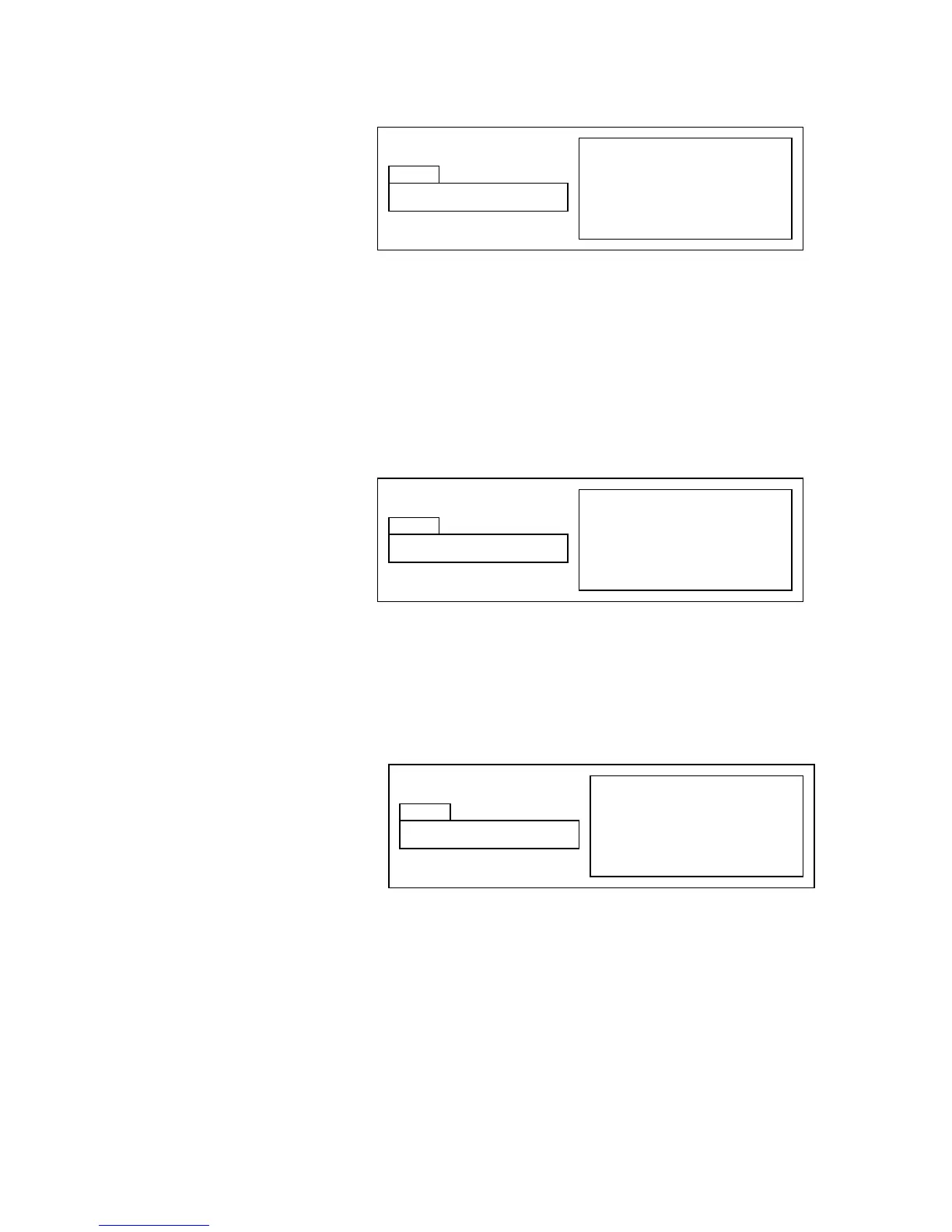
Hold ΔMENU & press DISPLAY key
from main display, press ΔMENU
Use UP and DOWN keys to set
Press DISPLAY key to return to
main display
Hold ΔMENU & press DISPLAY key
from main display, press ΔMENU
Use UP and DOWN keys to set
Press DISPLAY key to return to
main display
Hold ΔMENU & press DISPLAY key
from main display, press ΔMENU
Use UP and DOWN keys to set
Press DISPLAY key to return to
main display


 To Next Page