17
To change the home position offset setting, hold the ΔMENU key and press the DISPLAY key (from the main
display), or, when in the advanced screens press the ΔMENU key to display the “home offset” screen. Use the UP
or DOWN arrow key to change the home offset setting. To return to the main screen, press the DISPLAY key.
Setting the Output Function
One of the outputs on the I/O ports is a
0-5V output. This output can be changed
between pressure (if the Plus option is
present) and flow.
A bug in the software may require you to
press the up and down arrow keys to set
the output (even without the Plus option
being present).
To change the output, hold the ΔMENU key and press the DISPLAY key (from the main display), or, when in the
advanced screens press the ΔMENU key to display the “output” screen. Use the UP or DOWN arrow key to change
the setting (PRESS means the output will correspond to pressure, FLOW means the output will correspond to
flow). Always press the UP arrow to select FLOW. To return to the main screen, press the DISPLAY key.
Setting the High/Low Pressure Limit Shutdown
Optos pumps (with the optional damper)
can have their high and low pressure
limits de-activated. The default setting is
ENA (limits are active).
To change the limit setting, hold the
ΔMENU key and press the DISPLAY key
(from the main display), or, when in the
advanced screens press the ΔMENU key to display the “limit” screen. Use the UP or DOWN arrow key to change
the limit setting (DIS = limits de-activated; ENA = limits activated). To return to the main screen, press the
DISPLAY key.
Setting the Motor Stall Shutdown
If Optos pumps are not fitted with the
optional damper or if the pressures limits
are de-activated, the motor will stall
when exposed to excessive pressure.
When the stall stop field is set to ON, the
pump will stop pumping when a stall
condition is noted; when the stall stop
field is set to OFF, the pump will
continue pumping, or trying to pump even in the presence of a motor stall. The default setting is OFF.
To change the stall setting, hold the ΔMENU key and press the DISPLAY key (from the main display), or, when in
the advanced screens press the ΔMENU key to display the “stall” screen. Use the UP or DOWN arrow key to
change the limit setting (OFF = pump runs after stall; ON = pump stops after stall). To return to the main screen,
press the DISPLAY key.
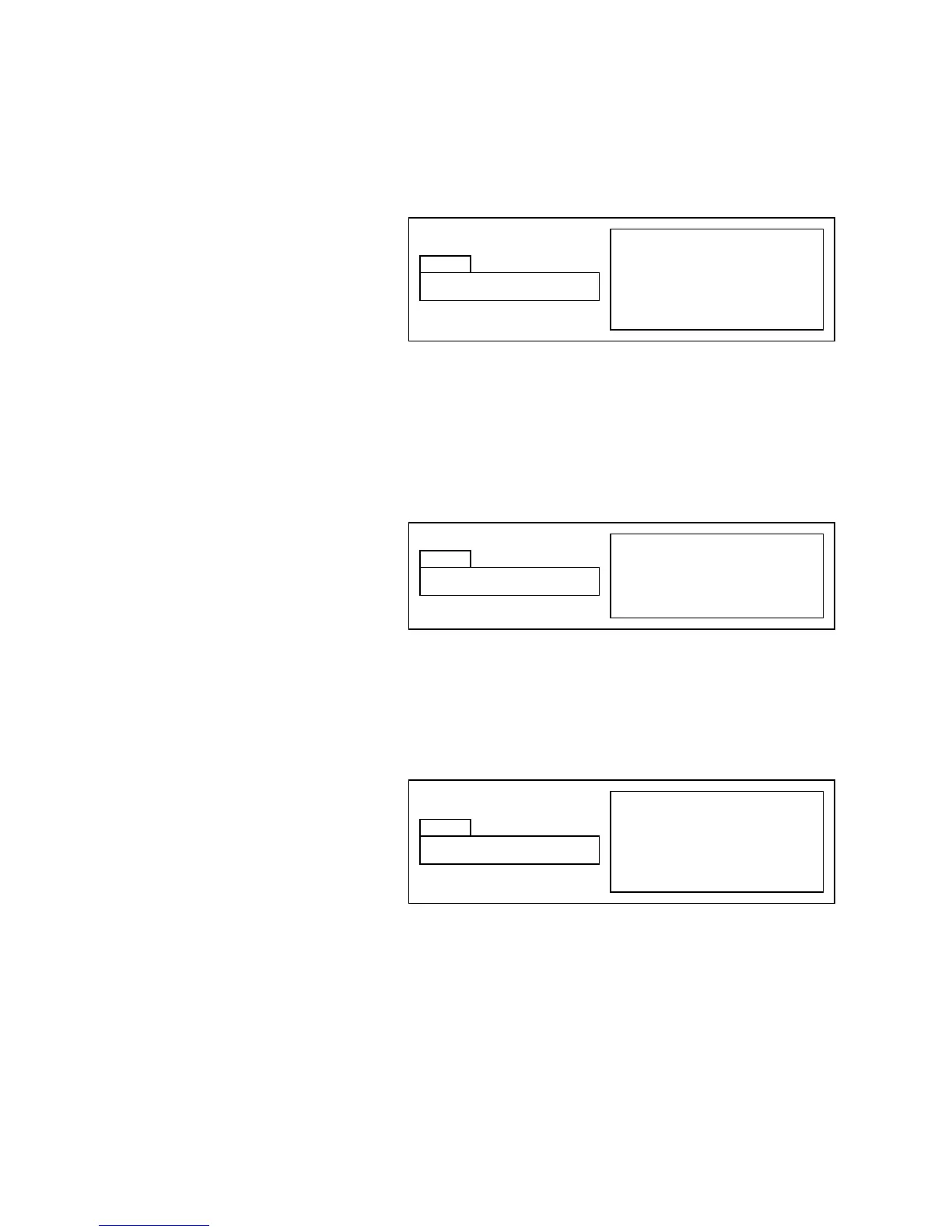
Hold ΔMENU & press DISPLAY key
from main display, press ΔMENU
Use UP and DOWN keys to set
Press DISPLAY key to return to
main display
Hold ΔMENU & press DISPLAY key
from main display, press ΔMENU
Use UP and DOWN keys to set
Press DISPLAY key to return to
main display
Hold ΔMENU & press DISPLAY key
from main display, press ΔMENU
Use UP and DOWN keys to set
Press DISPLAY key to return to
main display


 To Next Page