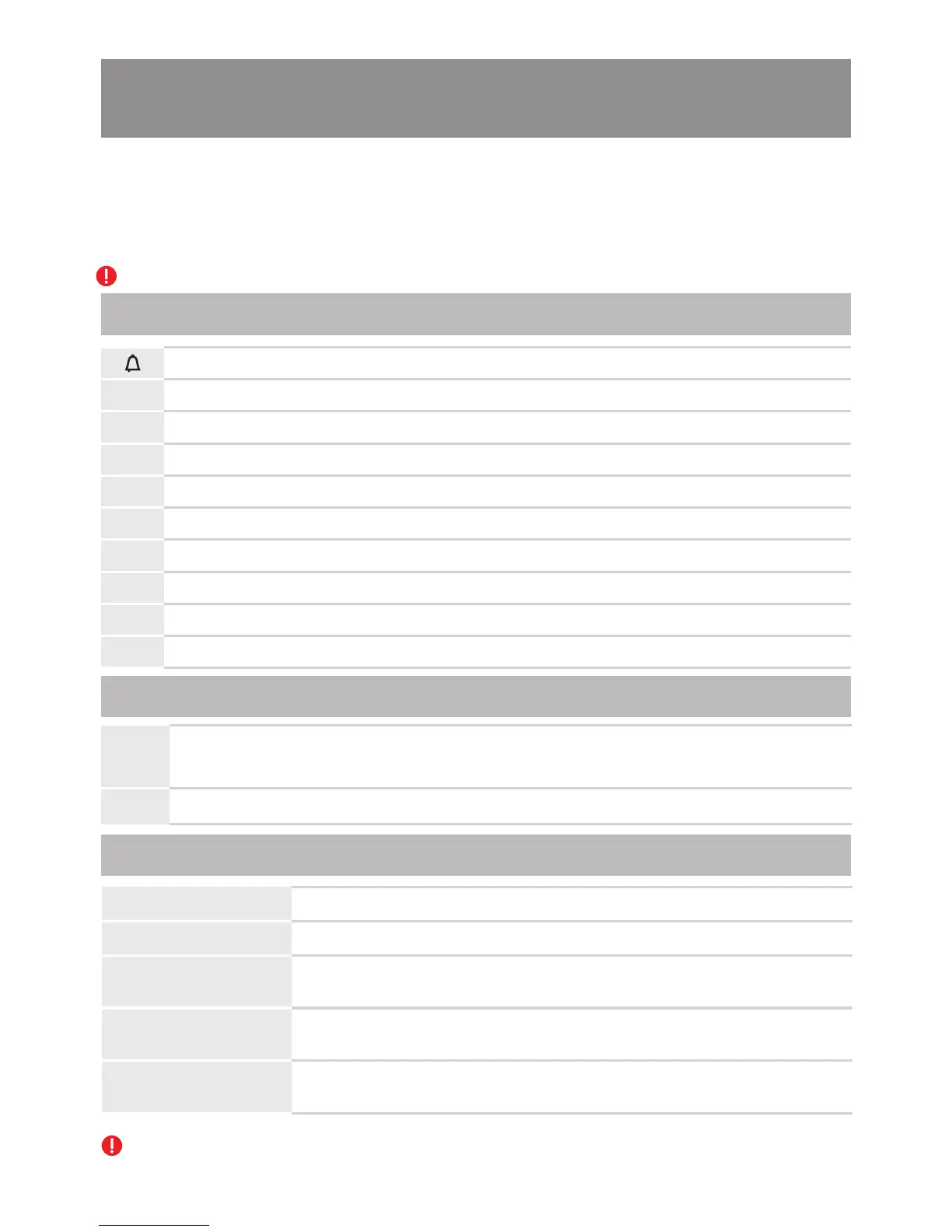
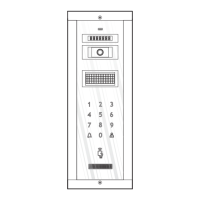
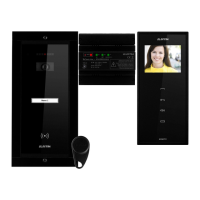
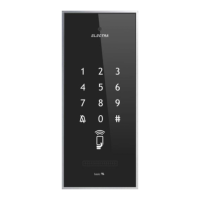
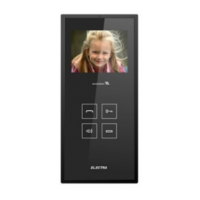
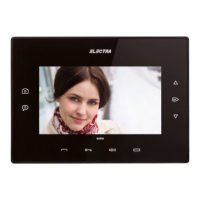
6.4. Use of the outdoor panel (VPM/APM)
6.4.1. Programming
1. Programming the installer's PIN code in the outdoor panel.
2. Programming the codes of the access tags in the outdoor panel.
3. Programming the addresses of the outdoor panels in the case of parallel connection - max. 4.
4. Loading the database (list of inhabitants, tag codes etc.) in the panel through InterProg.
The panels become active within 10 second from the connection to the network.
The main steps are the following:
Significance of the keys during the programming mode of the outdoor panel
Enter outdoor panel programming mode
Exit various programming modes
Enter PIN change programming mode
Enter access tag programming mode
Enter panel address programming mode
Enter changing language
Enter changing security settings
Enter changing the maximum number of digits to address
Information about the parameters of the outer panel
1
2
3
5
6
8
0
5
7
Installer code (inactive)
4
Functions of the supply control unit buttons during programming mode
PROG
At the first stroke, the system enters programming mode. The red LED is on.
At the next stroke, the system exits programming mode. The LED is off.
Normal functioning mode.
TIME
By scrolling the cursor, the lock's timing is adjusted (1÷10 s.)
Short touch of the key
Less than 1s.
Long press of the key
More than 2s.
BEEP
[ ] short BEEP
Key press confirmation. Any touch of a key is acoustically confirmed,
otherwise it is not valid.
BEEEEP
[ ] high
frequency BEEEEEP
Programming mode entering confirmation/correct programming
confirmation
Programming mode entering/programming error
BEEEEP
[ ] long, low
frequency BEEEEEP
During the programming of the outdoor panels or the terminals, they must all be in stand-by mode
(not in call, communication or monitoring).
Significance of the acoustic signals in programming mode
36



 To Next Page