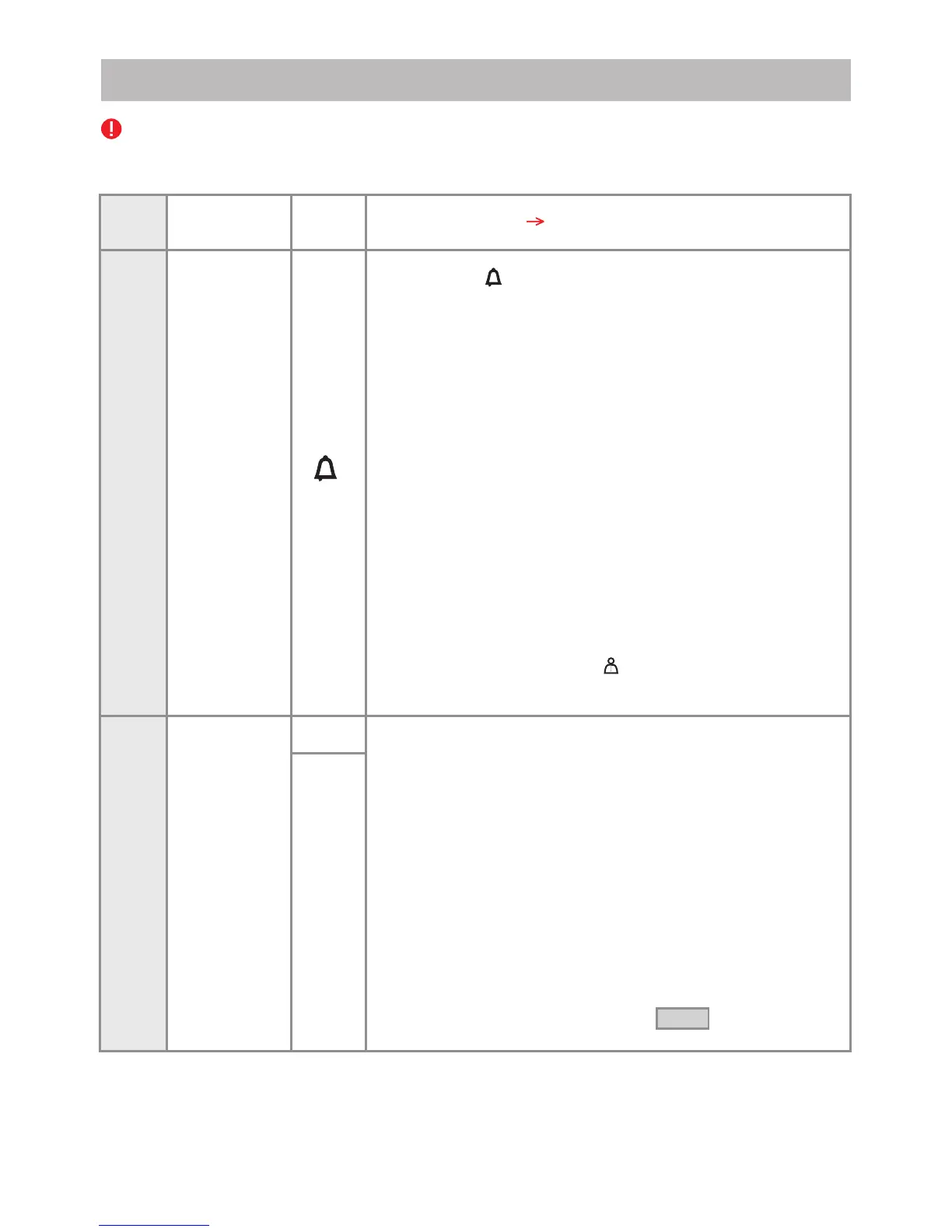
In case that additional outdoor panels are added to the system, the following programming procedure
must be followed for each additional panel.
Step 1
Supply control unit
SCU
PROG
Step 2
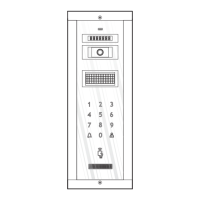
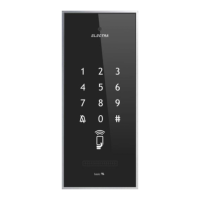
Outdoor Panel
VPM/APM
The programming
Changing
the
PIN code
Step 3
1
BEEEEP
Press key 1 for changing the PIN code. A 1x[ ] confirmation
is issued.
The following message is displayed:
Insert the new
PIN: _ _ _
Insert the PIN code of the installer. The following message
is displayed:
New PIN: _ _ _
Insert the PIN code of the installer again. The following message
is displayed:
The new PIN code
is: _ _ _
Automatically return to the menu from Step 2 .
Long press of PROG. The red LED turns on.
Insert the PIN code of the manufacturer (0000), which
BEEEEP
is confirmed with 3x[ ].
The following menu is displayed:
1. Change PIN
2. Add tag
3. Panel address
4.Installer code
5. Change language
6. Setup
7. Address digits
8. Information
To change the screens press the key.
For leaving the menu, press 0.
Long press the key. The panel enters programming mode,
BEEEEP
confirmed by a 1x[ ].
The following message is displayed:
Insert PIN:
_ _ _ _
37
Outdoor Panel
VPM/APM



 To Next Page