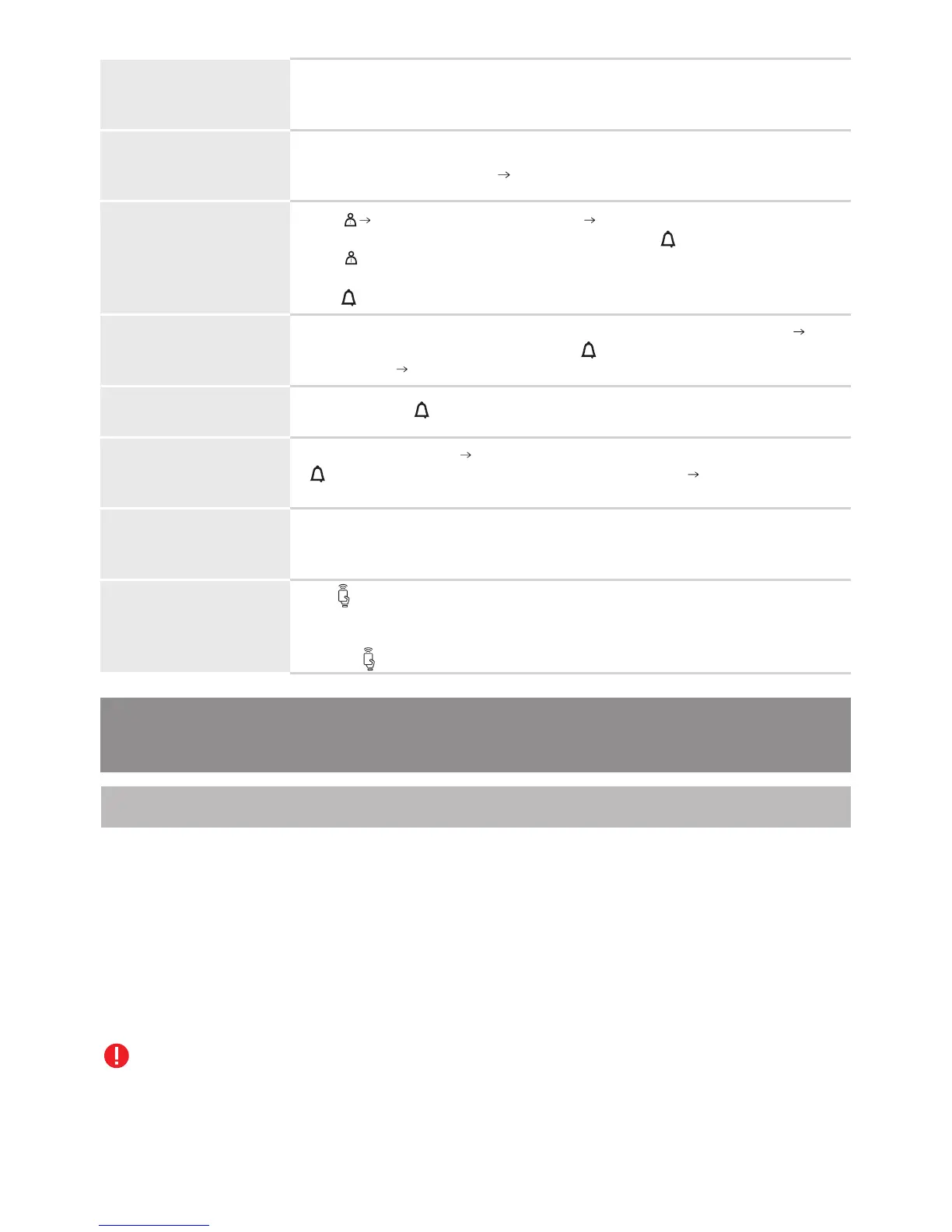
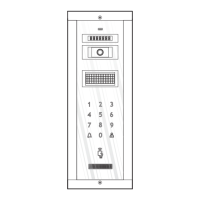
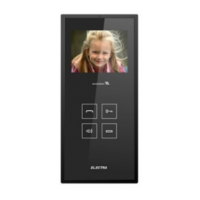
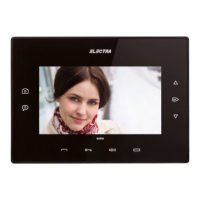
The keypad and the electronic display are permanently backlit. At the video
panels, the red LED is blinking (signaling the possibility of video
monitoring).
STAND-BY
ELECTRONIC
DISPLAY
SEARCHING THE
RESIDENT`S NAME
Type the number of the searched apartment, made of 1, 2 or 3 digits
Acoustical signaling with a ding-dong, turns red and the display shows
the message See screen 3.
CALL
END CALL
Short touch of or it ends automatically after 1 min.
TALK
ACCESS
being granted
ACCESS with TAG
(RFID access)
6.5. Use of the terminals (VTM/VTE/ATM)
Usually, the address of the terminal is the same with the number of the apartment from the
respective building. The programming of this address in the terminal takes place before its
installation on the wall and is made with the PRG.TRM.001 programming device, supplied by
the producer. The programmer is supplied by a 6F22 9V battery. If the battery is discharged
below a certain level, the device issues an acoustic signal and the message “lo BAT” is displayed
on the screen . The terminal must be removed from the installation during the programming
of the address with the programmer. After fastening the back case on the wall according to the
indications from point 3.3., proceed to the following steps:
All the terminals have default address “1” (the manufacturer's address).
6.5.1. Programming
1. Programming the addresses of the terminals with the programmer
The display interacts with the users all the time. In stand-by, it is on and
shows as a main message See screen 1.
Press Entering in the residents` list See screen 2. The display shows
the top of the residents` list (if it was inserted) and turns red. Continue to
press to scroll and find the searched name and apartment number.
Then, type the number using the keyboard. For quitting the residents` list,
press .
The resident answers Hands-free conversation, without touching any key.
lights green and the display shows the message See screen 4.
The talk duration is max. 2 min.
The lock is open for the set temporization (between 1 and 10 sec.).
The panel emits a sequence of beeps for confirmation.
The symbol indicates the RFID tag reading area. If the tag was
programmed in the panel`s memory, it will be recognized and the lock
will be opened. The panel emits a sequence of beeps for confirmation
and the symbol blinks green.
41



 To Next Page