WIFI CONTROL
21
SMART SCENES
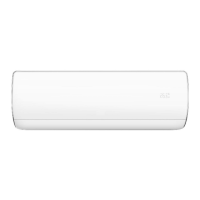
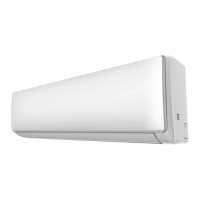
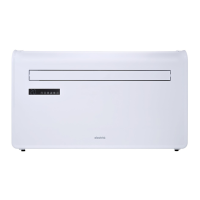
Smart Scenes is a powerful tool providing the option to customize the operation of the air conditioner based both
on conditions within the room and outside influences. This gives the user the option of specifying much more
intelligent actions. These are split into two categories Scene and Automation.
SCENE
Scene allows for a one touch button to be added to the Home Screen. The button can be used to change a
number of settings in one go, and can change all the settings within the unit. A number of scenes can easily be
setup, allowing the user to easily change between a number of preset configurations.
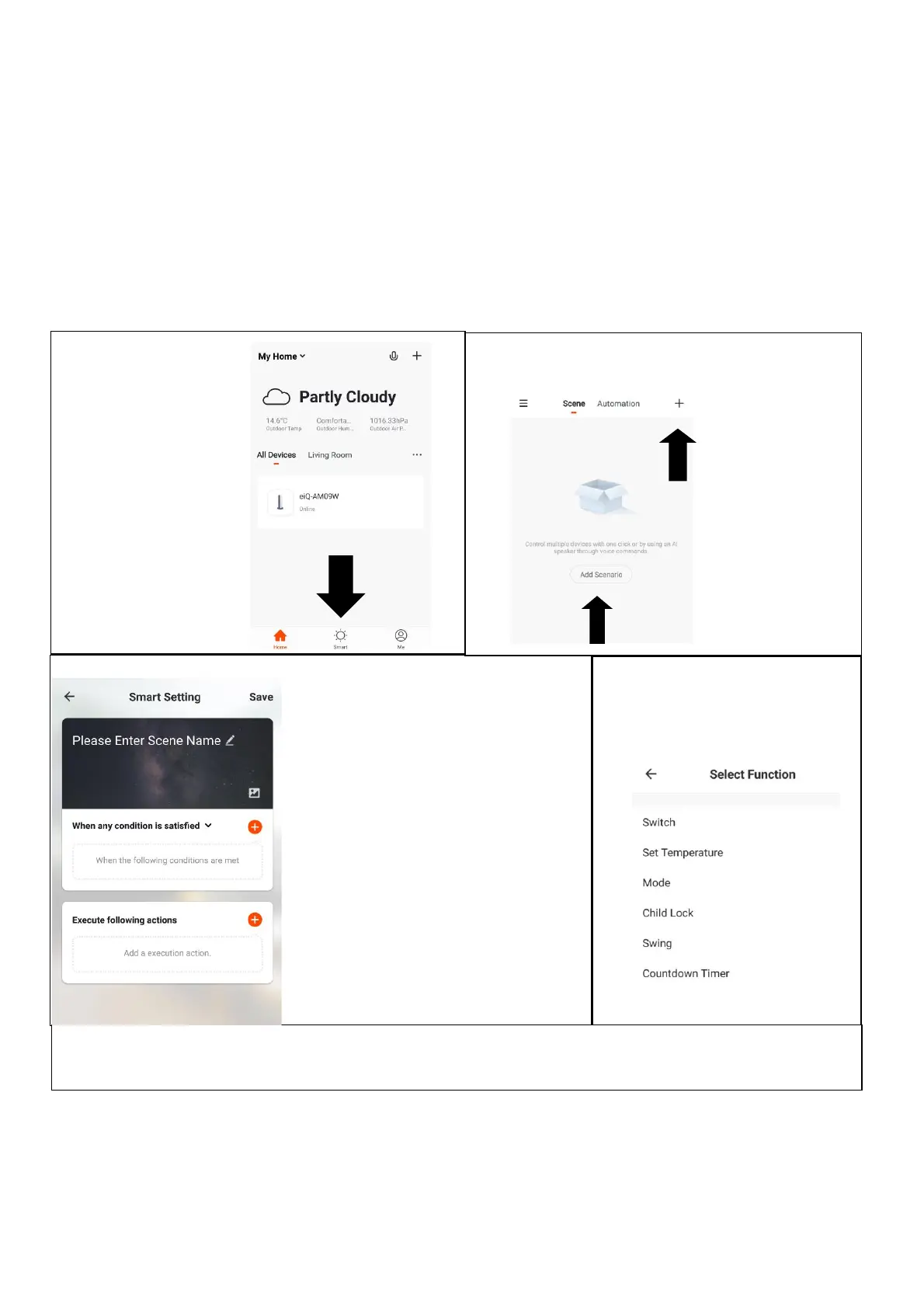
Below is an example of how to set up a scene:
3. Press the Pen next to “Please
Enter Scene Name” to input the
name for your Scene
Show on Dashboard: Leave this
on if you require the scene to be
displayed as a button on the
Home Screen
Press the Red Plus to add the
action required. Then select the
air conditioner from the list of
devices.
4. Chose the function, set the
value for the function, and then
press the back button in the top
right corner, to return to the
previous screen.
6. Once all the functions required have been added, press the Save button in the top right corner to finalize
and save your new Scene. It will then be saved to the home screen
1. Press on the Smart
tab at the bottom of
the Home screen
2. Press on the Plus in the top right corner or on
Add Scenario to add a smart scene.





 To Next Page