1 2 3 4 5 6 7 8 9
10 14 11 12
13 7
2. Software specifications, Functions
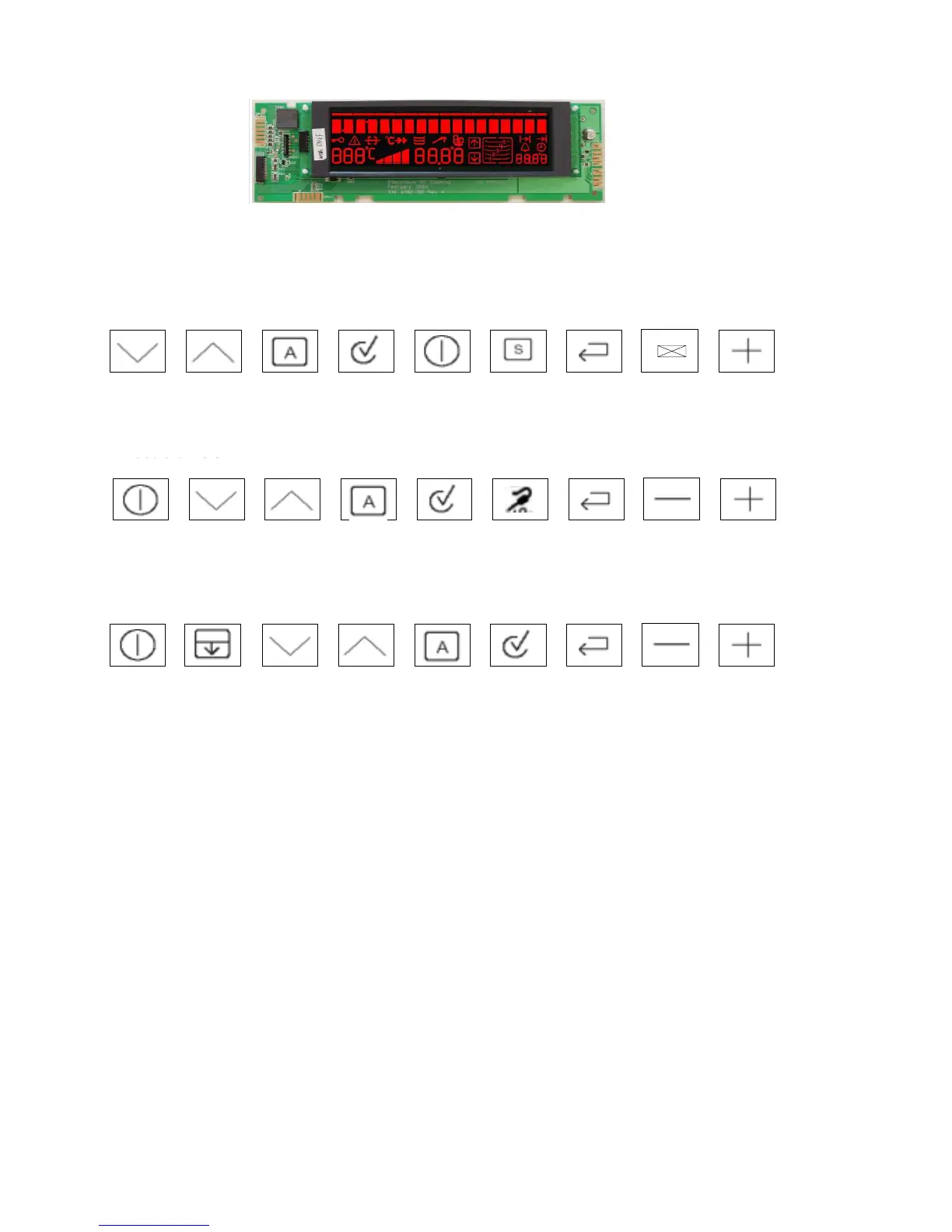
2.1 Illustration of the input electronics (UI) Avantgarde
2.2 Button / and display layouts of all appliance groups, countries and brand
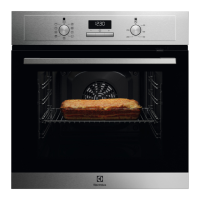
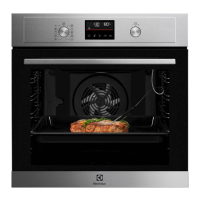
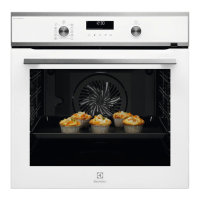
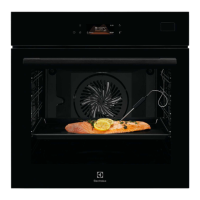
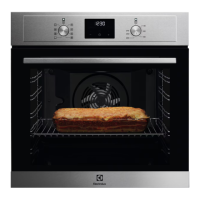
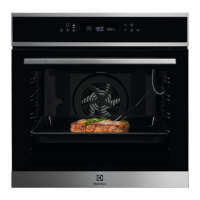
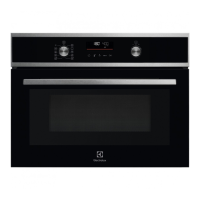
- Button layout for built-in appliances of the AEG brand
- Button layout for the M2 floor-mounted cooker
- Button layout for the M2 flour mounted cooker with double-oven
Key 1 and 2 - Selection button oven function forwards/backwards
Key 3 - Avantgarde menu button
Key 4 - Confirmation button OK
Key 5 - Main Button
Key 6 - Fast heating selection switch
Key 7 - Selection switch MODE (e.g. clock, meat thermometer, etc.)
Key 8 and 9 - Minus/Plus (e.g. for clock, meat thermometer, etc.)
Key 10 - Meat thermometer selection switch
Key 11 and 12 - Minus/Plus (e.g. for clock, meat thermometer, etc.)
Key 13 - Double-oven selection switch
Key 14 - Clock selection switch





 To Next Page