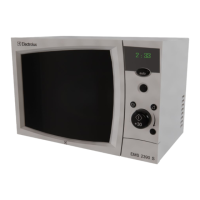
1 Display Screen
It shows information such as cooking time, menu, quantity
and temperature.
2 Accessory Icons
Icons are lit to indicate the proper cooking accessories for
the selected operating mode.
: Grill Rack
: Metal Tray
3 Operating Control Icons
Icons blink to indicate which control must be used to
continue.
: CONTROL dial icon blinks when the dial should be
adjusted.
: Selection button icon blinks when the button should
be pressed.
: Start button icon blinks when the button should be
pressed.
4 Operating Mode Icons
Icons are lit during operation to indicate the selected
cooking or cleaning mode.
: Quick Defrost
: Steam Feature
: Power Clean
(It has four spectial functions such as Deodorization,
Steam Cleaning, Making Steam Boiler Empty and
Steam Boiler Cleaning.)
: Convection Cook
: Grill Cook
: Combination Cook
: Microwave Cook
: Auto Defrost
: Auto Cook
: Instant Cook
: Fermentation (Proofing)
: Steam Cook
: Preheating
: Memory Cook
: Water Replenishment







 To Next Page