23
Code Info Preferences Factory Preset
IP Address IP Address of the device itself. 192.168.0.110
Subnet Mask
Subnet Mask of the Network which the device is con-
nected.
192.168.0.1
Gateway Gateway of the Network which the device is connected 255.255.255.0
Master/Slave
Master = The device is set as a commander in a network
where the operational parameters of this device is sent
to other devices.
Slave = The device is set as a listener in a network
where the operational parameters of the device is cop-
ied from a desired master device.
Slave
Master IP
Valid only when the device is set as a “Slave” in the
network. The operational parameters of the device is
copied from the Master device of which the IP parame-
ters is pointed in this setting.
192.168.0.100
Network
OFF = Network Communication Disabled
ON = Network Communication Enabled
OFF
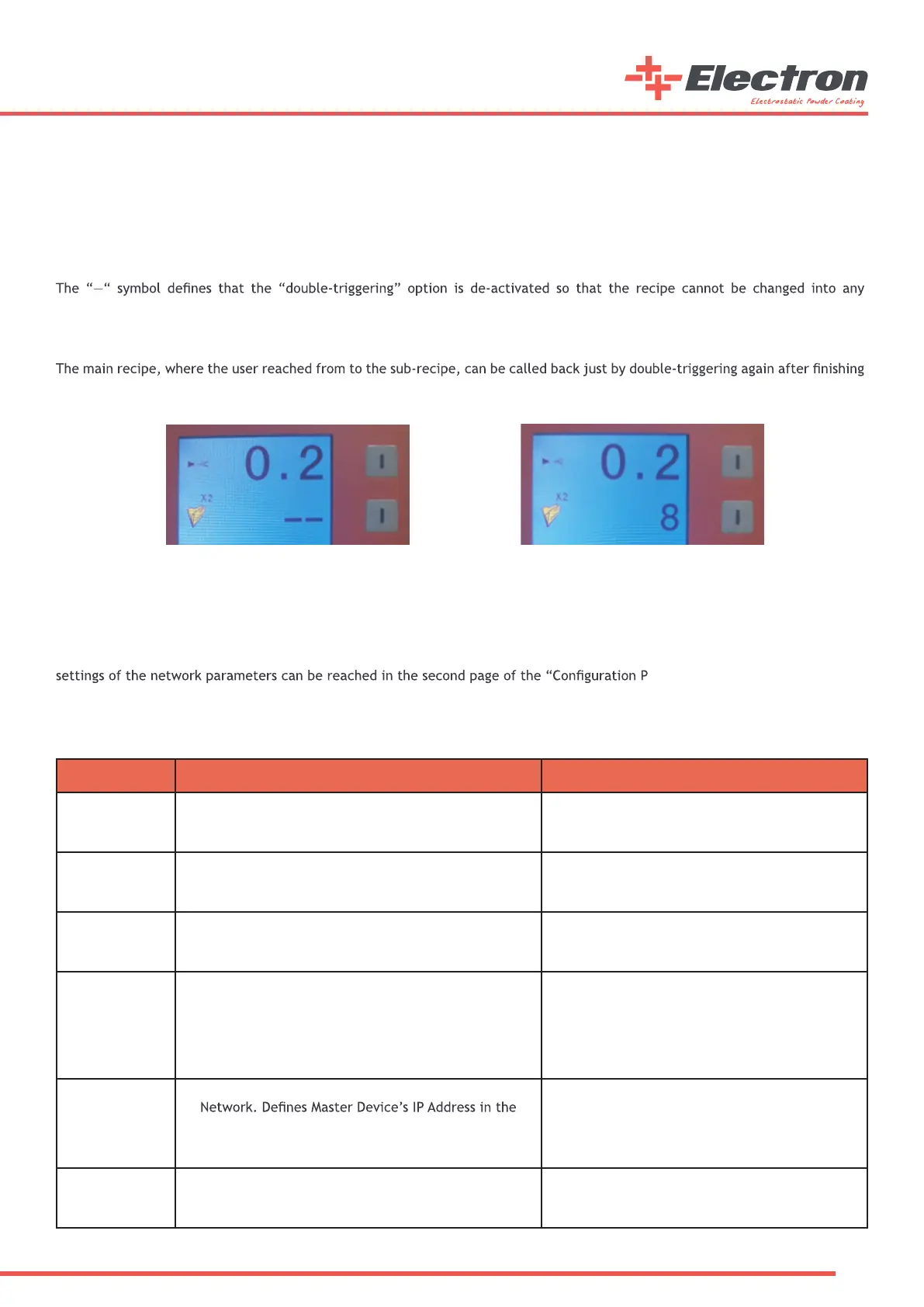
Double-Triggering and Sub-Recipe System:
The E-COAT Master controller unit gives the opportunity to jump between two recipes to its users. The user can switch between
any two recipes in a blink of an eye without any need to reach the main controller interface during operation. A recipe can be
switched to its sub-recipe such as a “complex parts” recipe when needed. Also, similarly, the sub-recipe can be switched back to
its main one just by double-triggering again.
The sub-recipe of each main recipe can be set in the second segment on the second page of the controller. The controller jumps
to the sub-recipe desired when “double-triggered” on the manual gun during operation after setting the sub-recipe of any main
recipe and saving it.
other one even though the manual gun trigger is double-pressed. The recipe should be saved again into a desired number after
any change is made to the double-triggering recipe number on the second page. The main reason for re-save is same as other
parameter changes where the user goes out of any saved recipe by changing a parameter which is already saved in the main recipe
just like other parameters in the main screen.
working with the sub-recipe.
TCP/IP Communication and Master/Slave Option:
E-COAT Master controller unit has an optional connection to an automation system or to any other E-COAT Master device. In this
case, the parameters of the controller can be controlled by any TCP/IP based automation system or by any other E-COAT Master
device which is set as a “Master” in its network settings. Similary, The E-COAT Master Device can be set as a “Master” to be able
to control other E-COAT Master devices’ parameters where the other devices are set as “Slave” in their network settings. The
arameters”.
NOTE: The E-COAT Master device does not include the Network Connector on itself as default. The “E-COAT ETHERNET SOCKET
MODULE WITH PATCH CABLE” with order code “B07 140513” should be ordered as an optional part for TCP/IP Network communication
if needed.



 To Next Page