43
5.3 Ground Run Checkout:
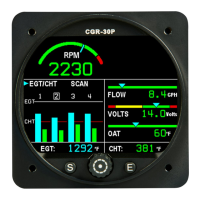
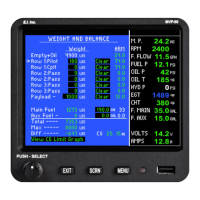
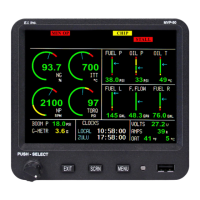
Start the aircraft engine. Check that the values for each function displayed on the CGR are proper for
"engine on" operation. Any problem with a specific function will be associated with a probe, cable or
interconnect cable between the probe and the EDC for that function. If you have a problem with any of
the following steps, see the Troubleshooting section of this manual. Perform only the checks applicable to
your configuration.
A. Check the RPM.
B. Check the M.P.
C. Check Fuel Flow.
D. Check Oil Pressure.
E. Check Oil Temperature.
F. Check Fuel Level for each Tank.
G. Check Volts.
H. Check Amps.
I. Check OAT.
J. Check all Annunciators.
K. Check all other functions on the Main and Secondary screen.



 To Next Page