EasyManua.ls Logo

Element RW873 - Setting DIP Switch; Serial Interface (RS-232 C)

Element RW873
111 pages
Print Icon
To Next Page IconTo Next Page
To Previous Page IconTo Previous Page
Loading...
RW873 User Manual
14
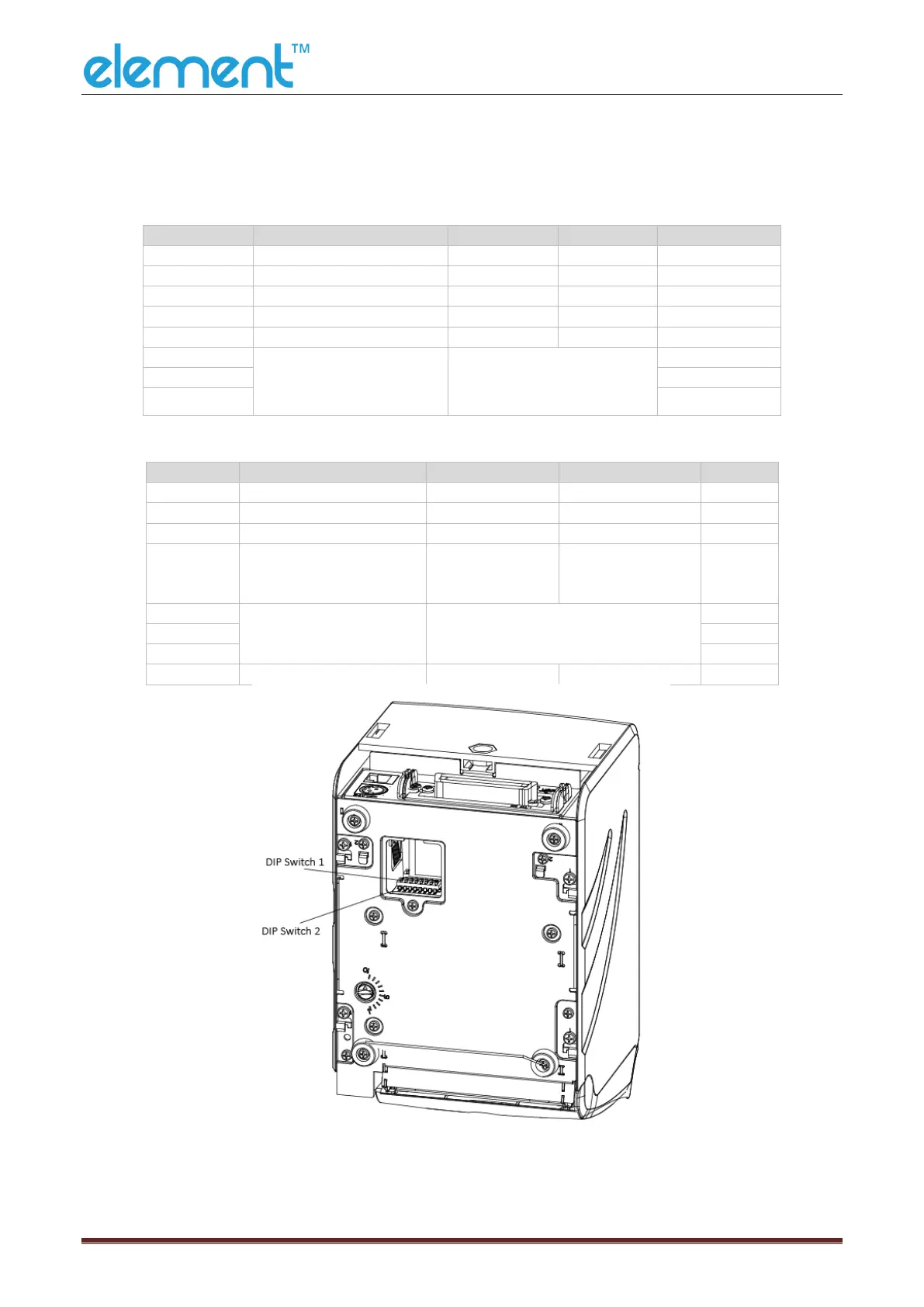
4.7 Setting DIP Switch
4.7.1 Serial Interface (RS-232C)
DIP Switch 1
Switches
Functions
Turn on
Turn off
Default
1-1
Automatic line feed
Enable
Disable
Turn off
1-2
Handshake
XON/XOFF
DTR/DSR
Turn off
1-3
Bit length
7 bits
8 bits
Turn off
1-4
Odd-even verify
Yes
No
Turn off
1-5
Odd-even choice
EVEN
ODD
Turn off
1-6
Choice baud ratebps
Reference form 1
Turn off
1-7
Turn on
1-8
Turn off
DIP Switch 2
Switches
Functions
Turn on
Turn off
Default
2-1
Multi-byte characters
English
Chinese
Turn on
2-2
Internal control beeper
Permit
Prohibit
Turn off
2-3
Auto cutter
Prohibit
Permit
Turn off
2-4
Busy condition
Receive buffer is
full
*Off-line
* Receive buffer is
full
Turn off
2-5
Printer density
Reference form 2
Turn off
2-6
Turn off
2-7
Turn off
2-8
Printing dots quantity
512
576
Turn off
RW873

Other manuals for Element RW873

Related product manuals