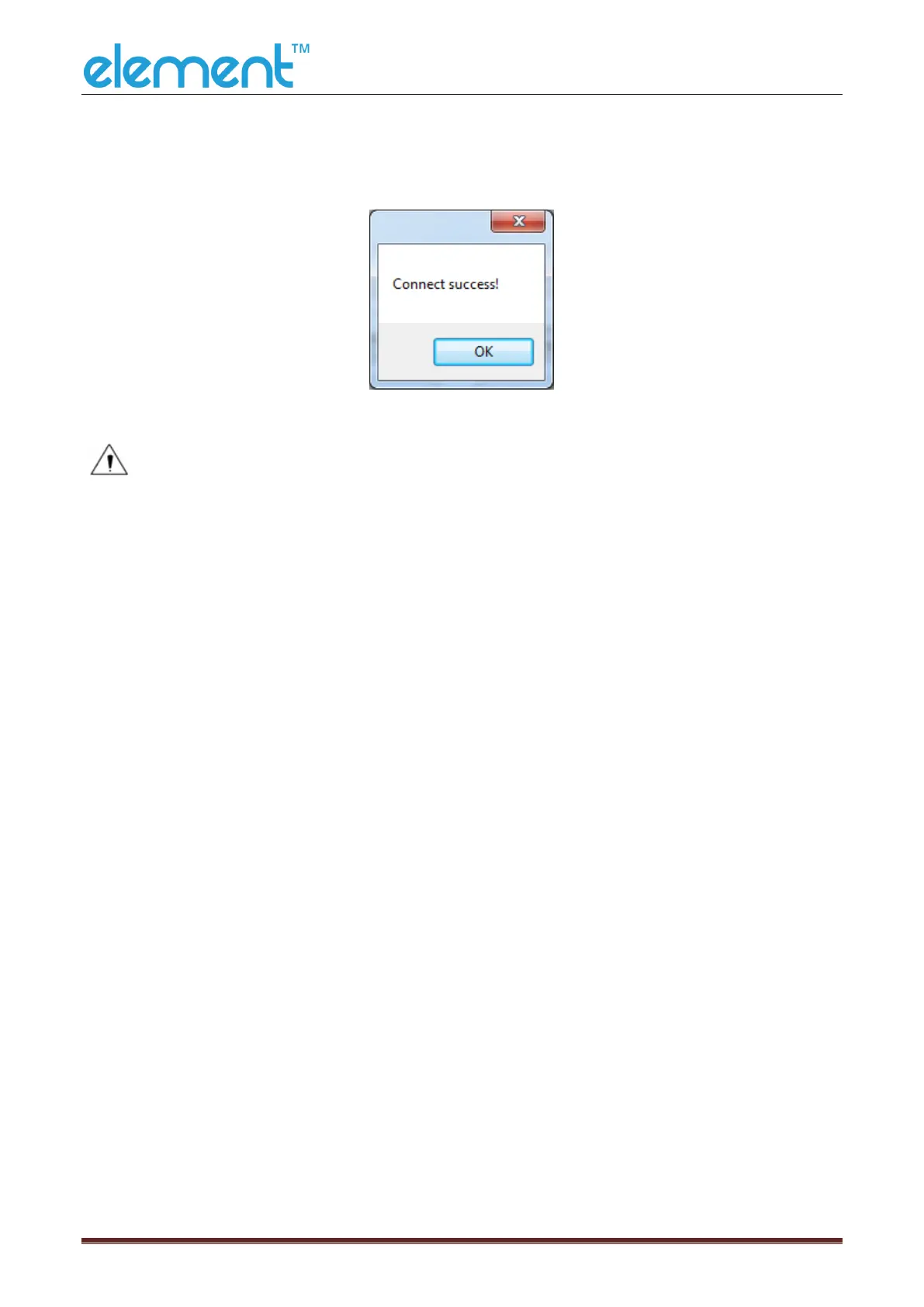
2) If the connection is successful, it will appear the following window. If the
connection is unsuccessful, please connect the printer with computer.
Notes:
1) Make sure printer is connected to computer and power on.
2) Make sure printer is loaded with paper.
3) Before using the following function, carry out the “Connection Test” first.



 To Next Page