Note: The language option in the lower right corner is checked according to
the input text. (For example: The input is Simplified Chinese, the language is
checked for Simplified Chinese,
the printer prints the input text according to the setting options, and if you
check other languages, the printer does not print the text)
3) 2D Code
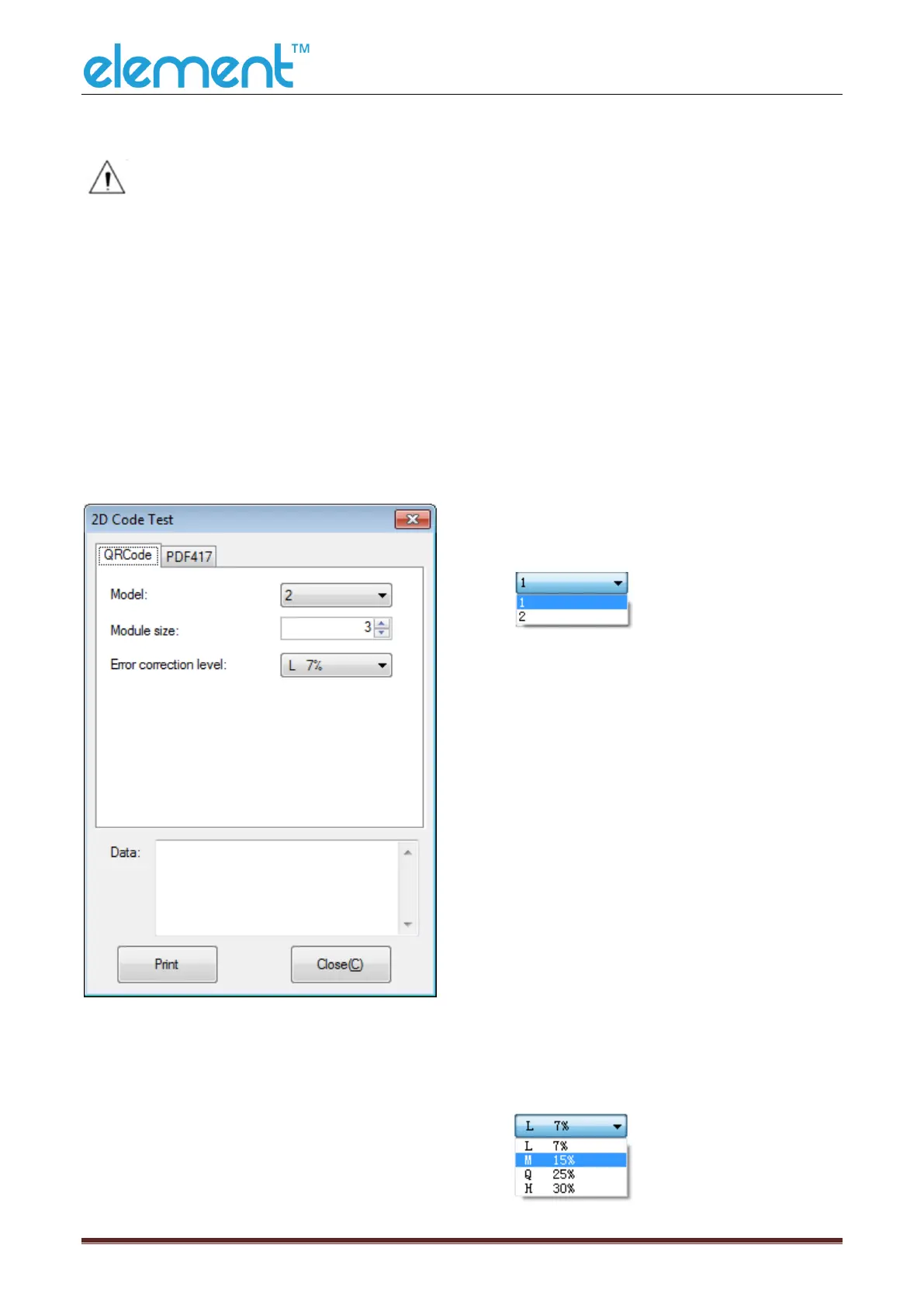
Click the QRCode mode.
▲Model: 1~2
▲Module size: 1~16
The larger the module value,
the larger the printed QR
code is, and the smaller the
opposite.
▲Error correction level:
7%~30%
The higher the error
correction level, the more
intensive the module
graphics.



 To Next Page