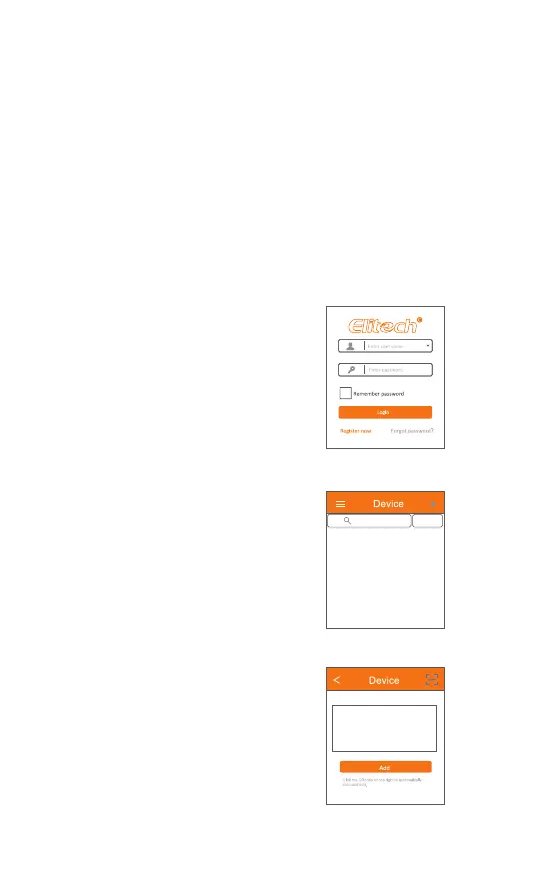
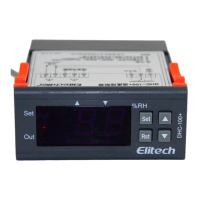
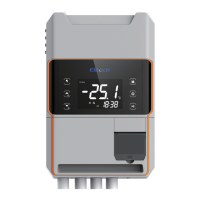
Fig. 13
Fig. 14
Fig. 15
8.1 Before you begin, please make sure:
STC-1000WIFI TH has embedded the Wi-Fi module that supports remote
viewing, configuartion and other operations via Elitech app.
● Download the latest “Elitech iCold” app from APP Store or Google Play,
register you free Elitech account and singn in.
● Connect your mobile phone to preferred Wi-Fi (2.4GHz Wi-Fi, 5GWi-Fi is
not compatible).
● Check the sticker on controller’s back, which should contain QR code and
20-digital GUID
8.2 Connect the device to Elitech iCold app
1. Find the QR code label on the device.
(It shows QR code and 20 numbers)
2. Power on the device.
3. Log in your Elitech account (Register
an Elitech account)
4. Click the sign + on top right and add
device.
5.Click the sign on top right / Scan the
QR code on the label,or manually
type in 20 GUID numbers.Enter the
device name that your prefer, and
click Add.
Enter Device Name or Model
No Device Found
Search
(GMT+00:00) Europe/London
-14-


 To Next Page