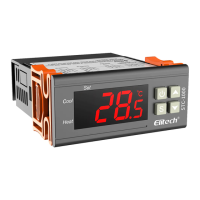
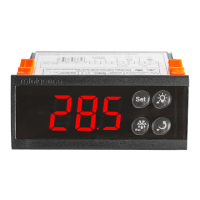
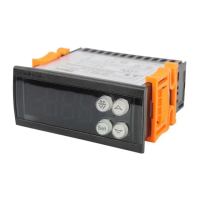
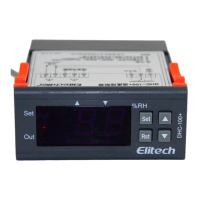
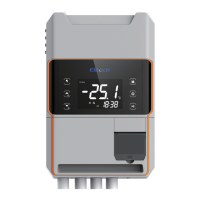
Note: The device allows Wi-Fi to be congured within 30 minutes after
power on. After 30 minutes, it needs to be powered o for a restart. Or you
may refer to 7.2 Restore Wi-Fi Network Settings.
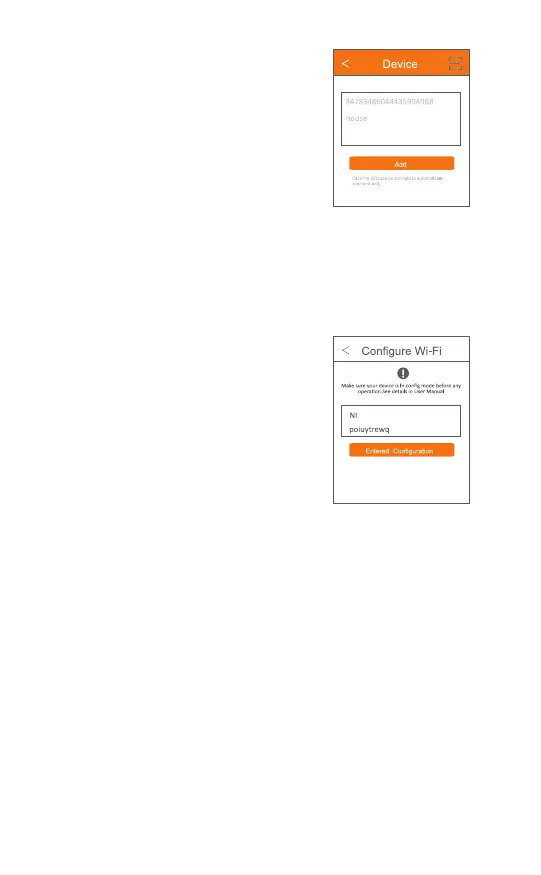
6.A window will pop up "The device
scanned is a Wi-Fi device. Would you
like to set Wi-Fi?"Click OK.
7. Enter Wi-Fi password, click OK, and
wait until the operation finishes.
The whole process takes about 10
seconds. It exits configuration interface
after the network is connected
successfully.
The main interface displays the device
is online.
Meanwhile, the sign shows on top
of the screen.
Fig. 16
Fig. 17
(GMT+00:00) Europe/London
-15-


 To Next Page