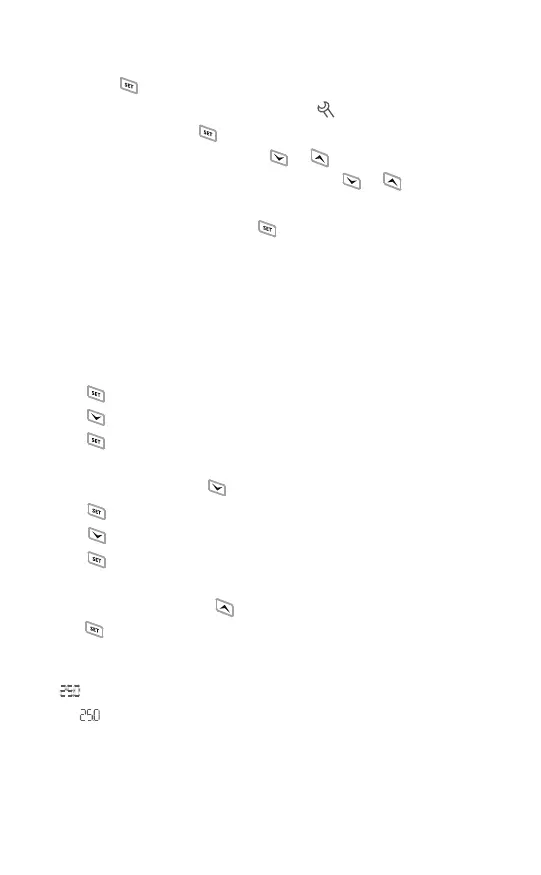
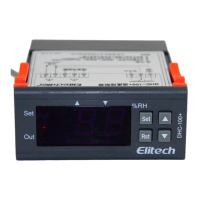
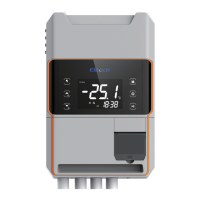
Press and hold button for 3 seconds to enter the parameter setting mode,
the buzzer will beep, and the LCD will display icon.
In the menu setting, press button and the Tsv
3
parameter light will be on
or flashes. When it is flashing, press or button to switch to the next
parameter; when the parameter light is on, press or button to increase
or decrease the setting value.
In the menu setting, press and hold button for 3 seconds to save settings
and exit; or the controller will save and exit setting mode after 30 seconds of idle.
The Tsv displays temperature-related parameters and Hsv displays humidity-
related parameters.
For example, set TS and TD parameters into TS = 20°C and TD = 5°C respec-
tively.as shown in Fig. 6.
① Press button and release after the buzzer beeps (about 3 seconds);
② Press button, and the parameter code will display TS;
③ Press button, and will flash, indicates TS parameter is ready
to be set;
④ Press (or press and hold) button to change the value to 20;
⑤ Press button, and TPV will appear;
⑥ Press button, and the parameter code will display TD;
⑦ Press button, and TPV will flash,indicates TD parameter is ready
to be set;
⑧ Press (or press and hold) button to change the value to 5;
⑨ Press button and release after the buzzer beeps (about 3 seconds)
to exit the parameter setting.
3.3 Parameter Setting
Note: Dotted-line in the figure shows the numbers are flashing (ready for
setting); solid-line shows the numbers stop flashing (value is set).
See the flow chart below to change other parameter values one by one.
as shown in Fig. 7.
-7-


 To Next Page