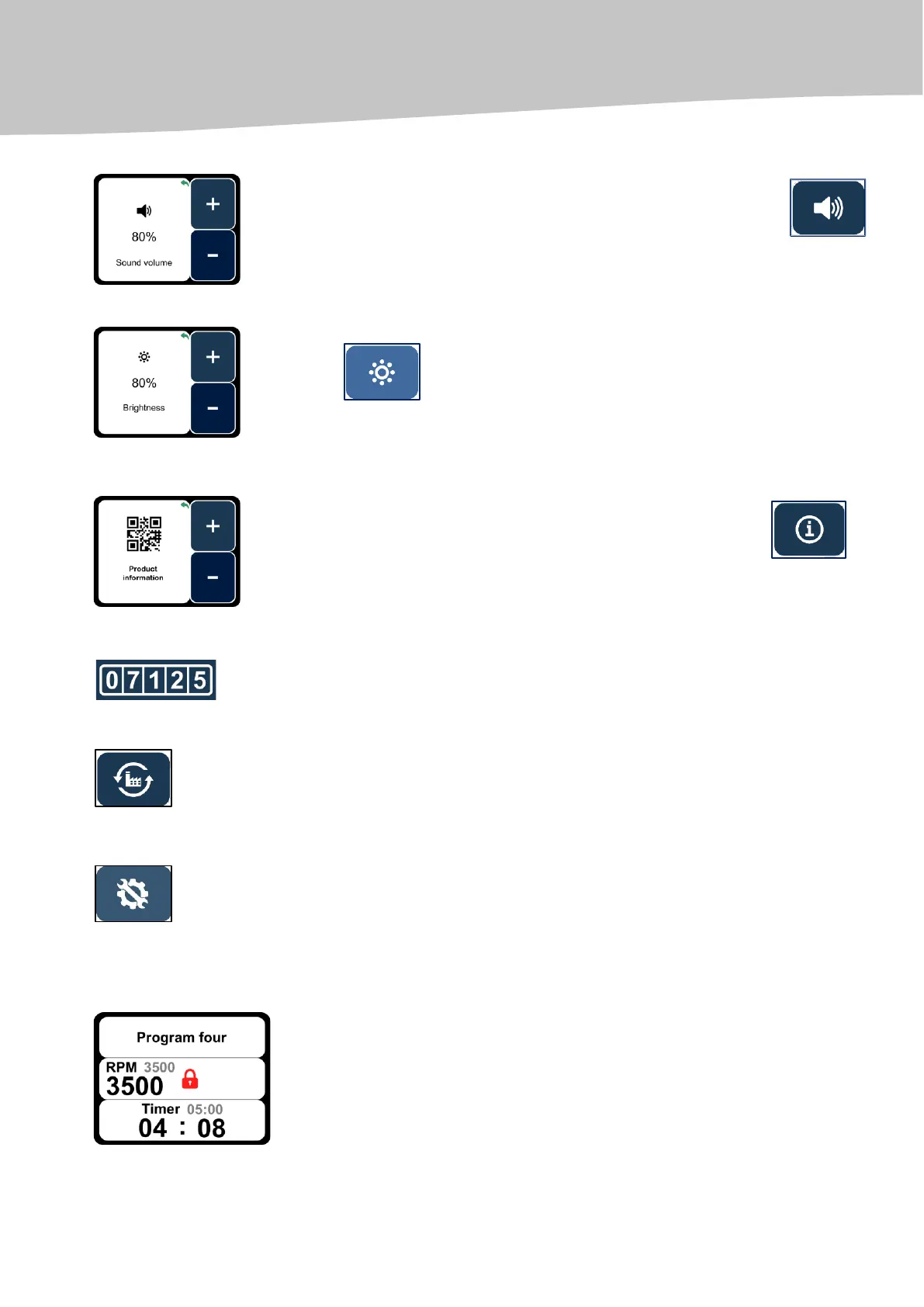
SETTING VOLUME FOR SOUND SIGNAL
To set the sound signal volume, you need to press ''Sound'' key
(Additional Settings Menu); select and set the sound volume (100%, 80%,
60%, etc.). 0% means work without any sound signal.
To set brightness of the screen, you need to press ''Brightness'' key
, select and set the required screen brightness (100%, 80%, 60%,
etc.).
INFORMATION ABOUT THE CENTRIFUGE
For information about the centrifuge, you need to press the key
and scan the QR code.
Indicates the number of hours the centrifuge has worked.
RESTORING FACTORY SETTINGS
Restoring factory settings allows you to delete all the changes made and the
programs created by users as well as to restore the factory settings.
To protect information about the factory settings from unauthorized access,
password is set at the factory. The password is available in service
instructions. Intended for service engineers and technicians.
USING THE BUTTON ''START/STOP'' WILL LAUNCH THE CENTRIFUGATION PROCESS
During the centrifugation process, the set parameter values are reflected by
grey numbers. The real parameters of the centrifugation process are reflected
by black numbers.


 To Next Page