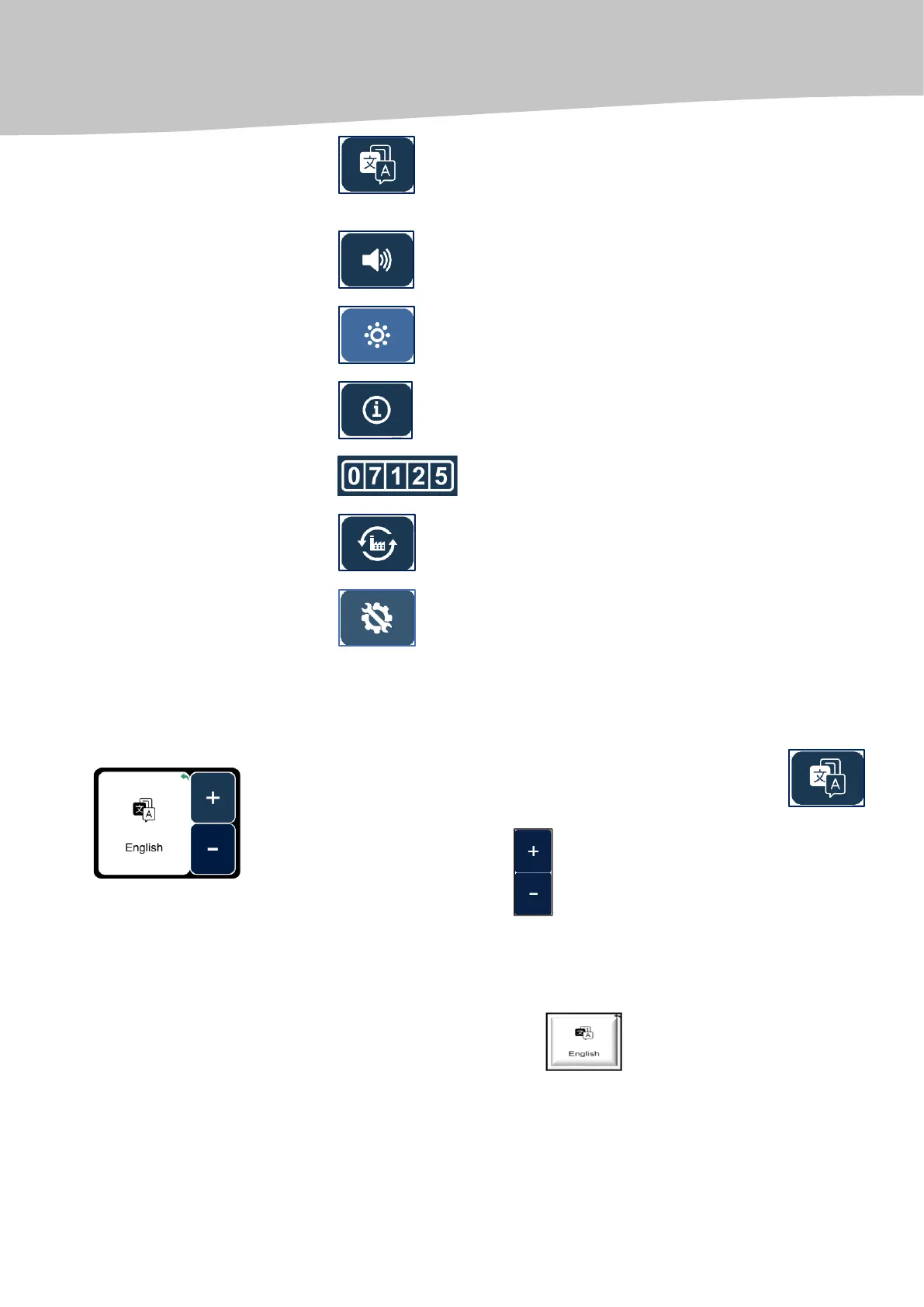
Language: the English, German, Spanish, Portugues and
Russian languages are selected as the menu language;
volume of sound signal;
brightness of the screen;
information about centrifuge;
centrifugal working time tracking meter (hour meter);
resetting the factory settings;
password protection (for the use by service engineers only).
Attention! During the centrifugation process, RPM/RCF, timer and additional parameter setting is not possible!
To set the display language, you need to press the Language key
in the Additional Settings Menu; and,
using the navigation keys
select the desired display language (English, Spanish, German, Portuguese,
Russian).
To set the selected display language, you need to press the key with the
language name (for example, ).


 To Next Page