Elmo 10/08 Page 2
Using the Elmo
• Remove the lens cap from the projector. Turn on the projector (power button
on projector or remote).
• Turn on the power button at the base of the Elmo (it will turn green when
turned on).
• Turn on the light at the camera head of the Elmo.
• Adjust focus and distance on the projector.
• Use the black knob on the Elmo head to zoom in and out.
• Place the item to be viewed on the stage.
Shutting Down
• Turn the projector off. Allow the fan to finish running before unplugging.
• Turn off the Elmo camera head light. Then turn off the Elmo power button – it
will turn red. Press firmly!
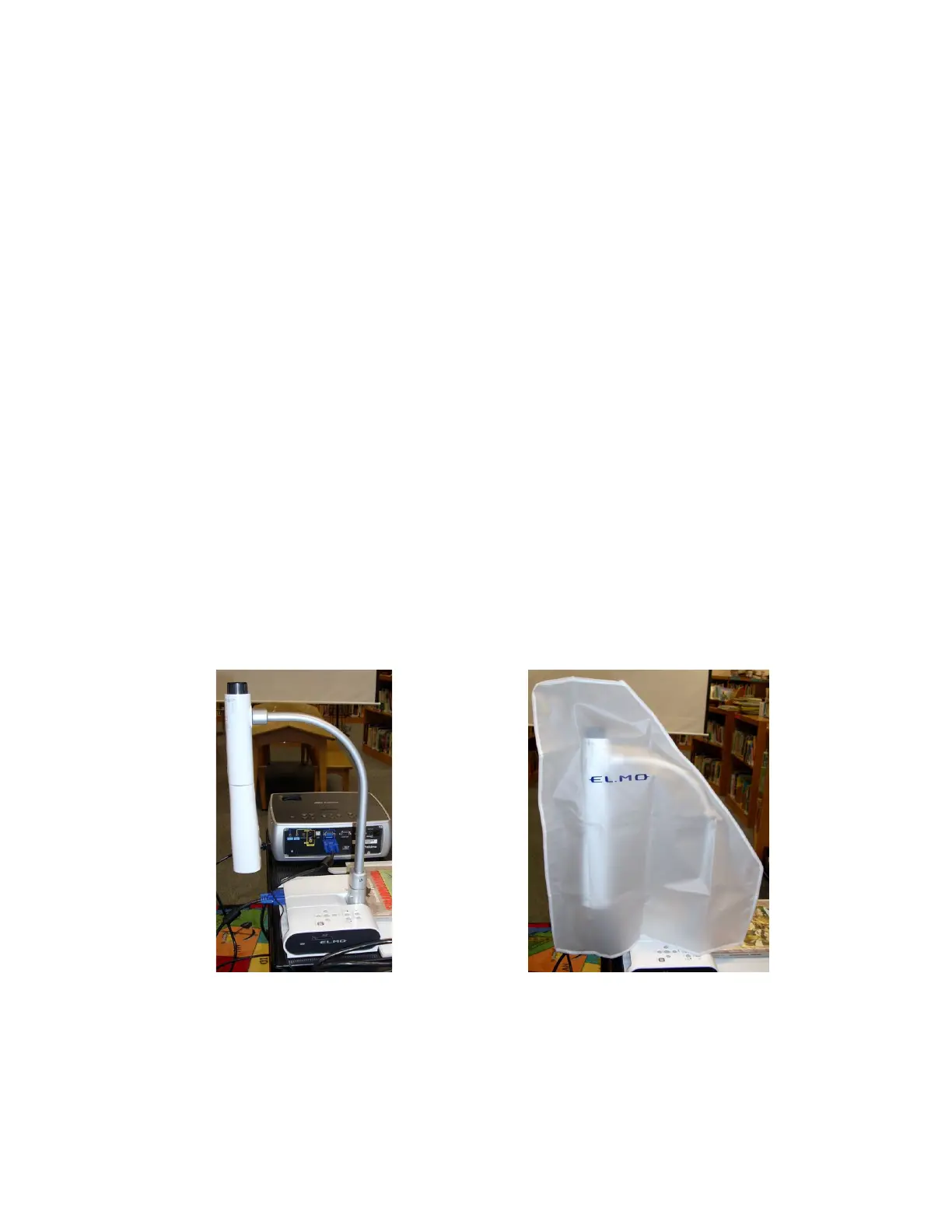
• Store the Elmo as shown below:
• If you disassemble the Elmo and projector to use the projector for another
purpose, be sure to reassemble so the unit is ready for the next user.



 To Next Page