68
English
ADVANCED
OPERATIONS
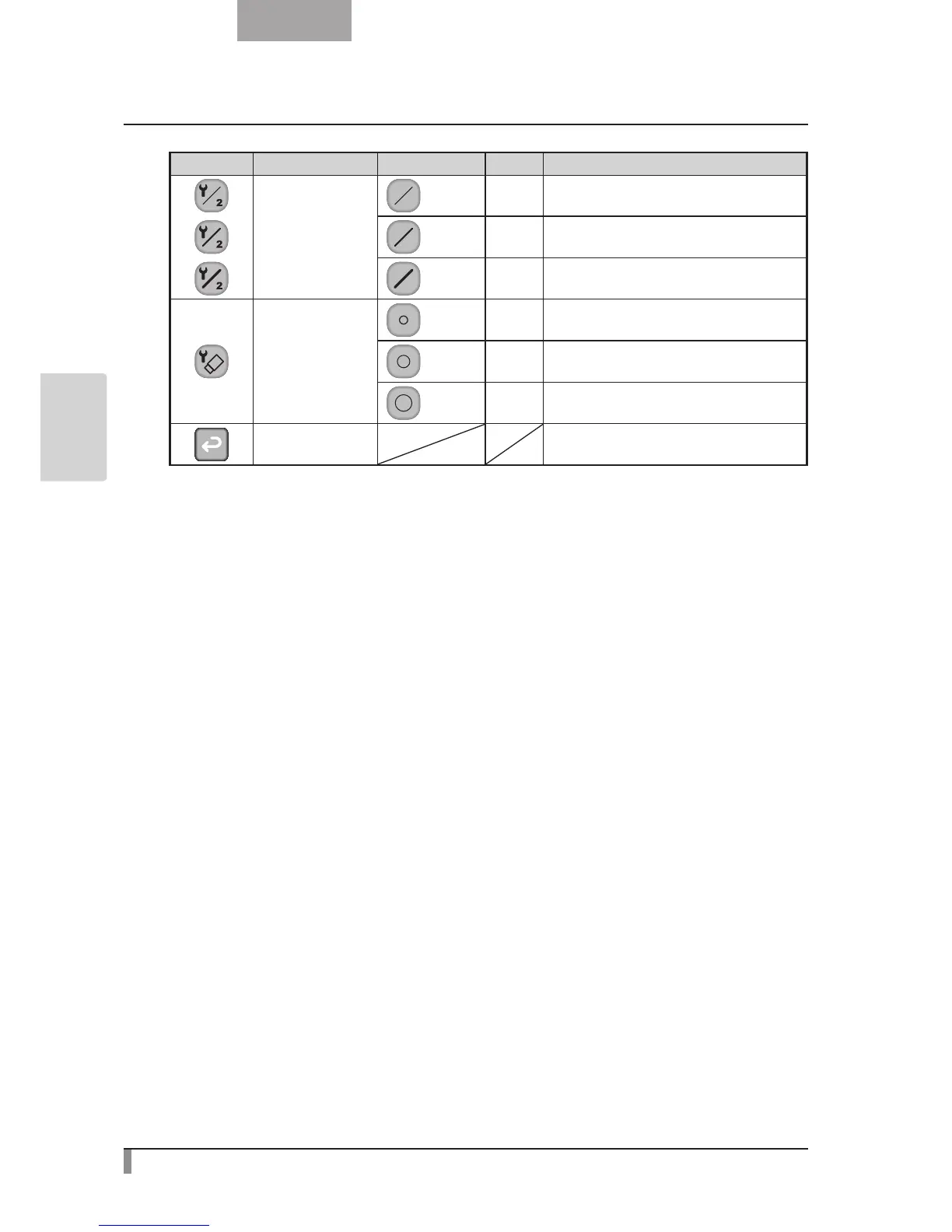
Icon Name Selection Item Default Function
Pen2 Thickness
Thin To decrease the pen thickness.
Medium
✔
To set the pen thickness to medium width.
Thick To increase the pen thickness.
Erase Area
Narrow To decrease the area of partial erasure.
Medium
✔
To set the area of partial erasure to the medium
range.
Wide To increase the area of partial erasure.
Exit To return to the previous level of menu.


 To Next Page