15
English
P02~P19
Français
P20~P37
Deutsch
P38~P55
Español
P56~P73
P74~P91
Note
Howtoset
Settheflickerrateaccordingtothepowersupplyfrequencybeingused
inyourarea.
●Whenthereisaflickerinoftheimage
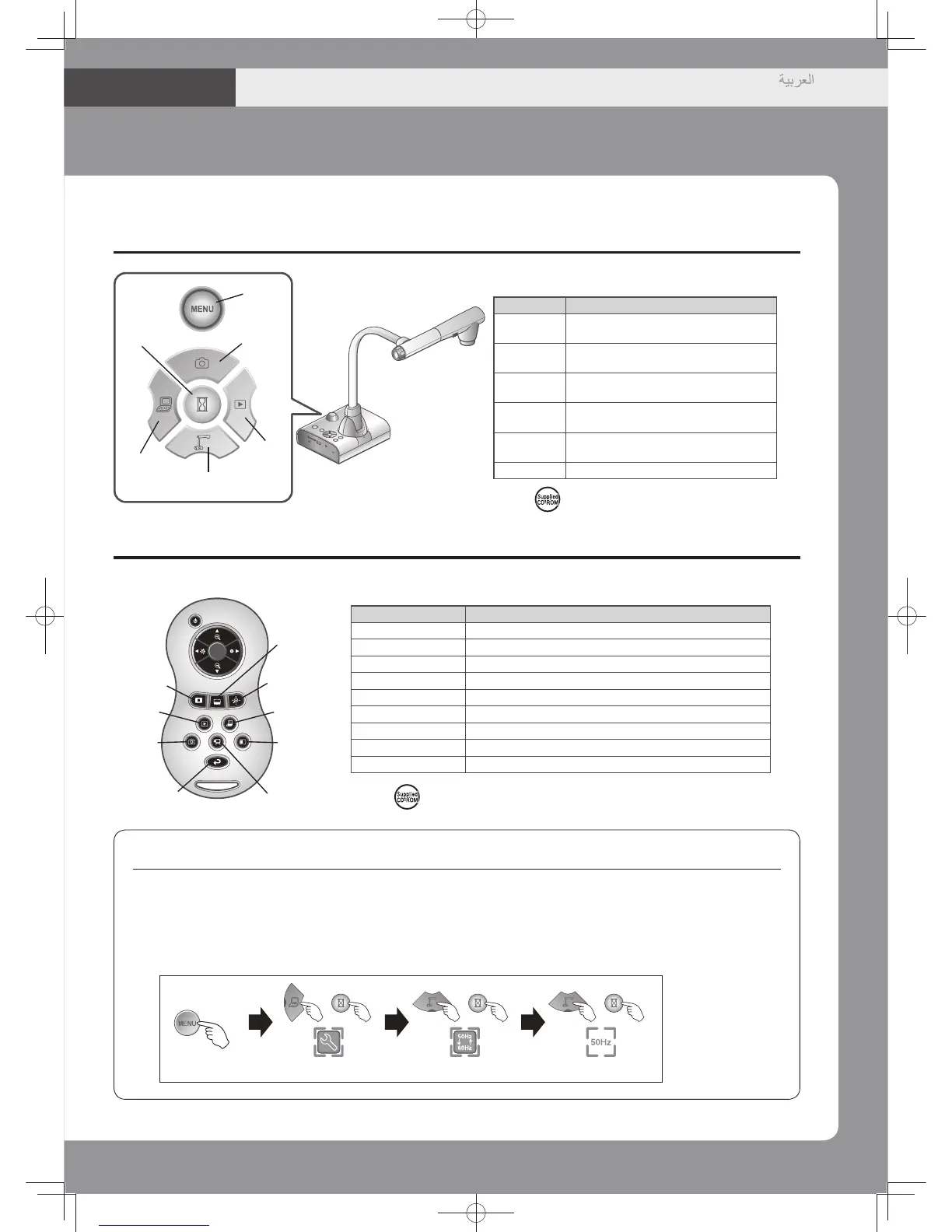
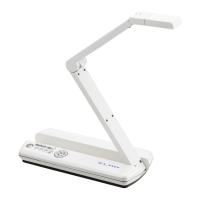
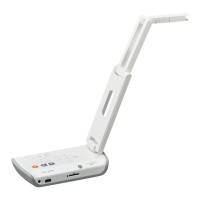
④Operatingpanel
⑤Remotecontrol
Mask
Play
Camera
Capture
Scroll
PC
Recorder
Compare-
picture
Highlight
Name Function
Highlight
Tohighlightpartofthescreen.
Mask
Tomaskanareaofthescreen.
Scroll
Toenlargetheimagecurrentlydisplayedandmoveup,down,left,andright.
Play
ToswitchthescreentoimagesstoredontheSDcard/USBflashdrive.
PC
ToswitchthescreentotheimageinputtoRGBINandHDMIIN.
Capture
TosavetheimageontheSDcard/USBflashdrive.
Recorder
TosavethemovieontheSDcard/USBflashdrive.
Compare-picture
Todisplayastillimageatleftsidewhiledisplayingacameraimage.
Camera
Toswitchthescreentocameraimage.
※Seefordetails.
Name Function
Pause
Topausethecameraimage.Pressthis
buttonagaintorestart.
Capture
TosavetheimageontheSDcard/USB
flashdrive.
Play
Toswitchtheoutputimagetoimages
storedontheSDcard/USBflashdrive.
Camera
Toswitch the output image to camera
image.
PC
Toswitch the screen to the image
inputtoRGBINandHDMIIN.
Menu
Toshow/hidethemenuonthescreen.
Capture
Camera
Play
PC
Pause
※See fordetails.
Menu
※
Set using the operating panel.


 To Next Page