EasyManua.ls Logo

Elmo L-12id - Using with a Microscope; Using with a PC

Elmo L-12id
92 pages
Print Icon
To Next Page IconTo Next Page
To Previous Page IconTo Previous Page
Loading...
17
English
P02~P19
Français
P20~P37
Deutsch
P38~P55
Español
P56~P73
P74~P91
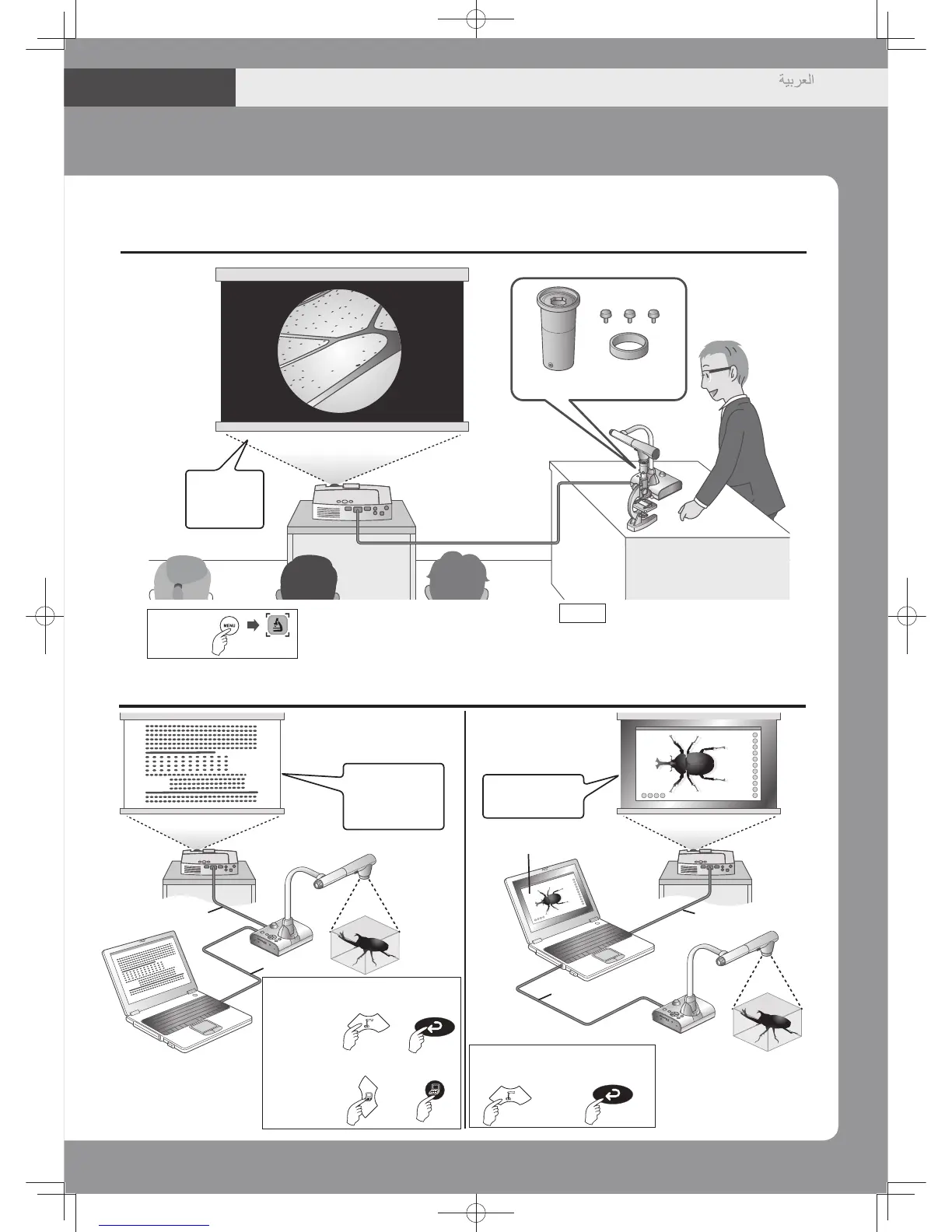
Microscopeattachmentlens(Option)
UsingwithaMicroscope
Enlarged
Microscopic
image.
Option Microscopeattachmentlens
CODE1332
UsingwithaPC
Howtoset
   
Thedocumentcameraimageand
thePC imagecan be switched
andprojected.
Projectimages
fromthe
documentcamera
orthePC.
Projectsthe PC
image.
Thedocument camera
imagecanbetransferred
toaPCandprojected.
Howtoset
Camera
image: or
PCimage
: or
RGBcableor
HDMIcable
RGBcableor
HDMIcable
RGBcableor
HDMIcable
USBcable
Bundledsoftware
Operating
Panel
Operating
Panel
Remote
Control
Remote
Control
OperatingPanel
RemoteControl
Howtoset
or

Table of Contents