EasyManua.ls Logo

Elmo MX-1 - Page 34

Elmo MX-1
Print Icon
To Next Page IconTo Next Page
To Previous Page IconTo Previous Page
Loading...
English
Français
Deutsch
The Zoom function and Freeze function may not be used when a commercially available
software is used.
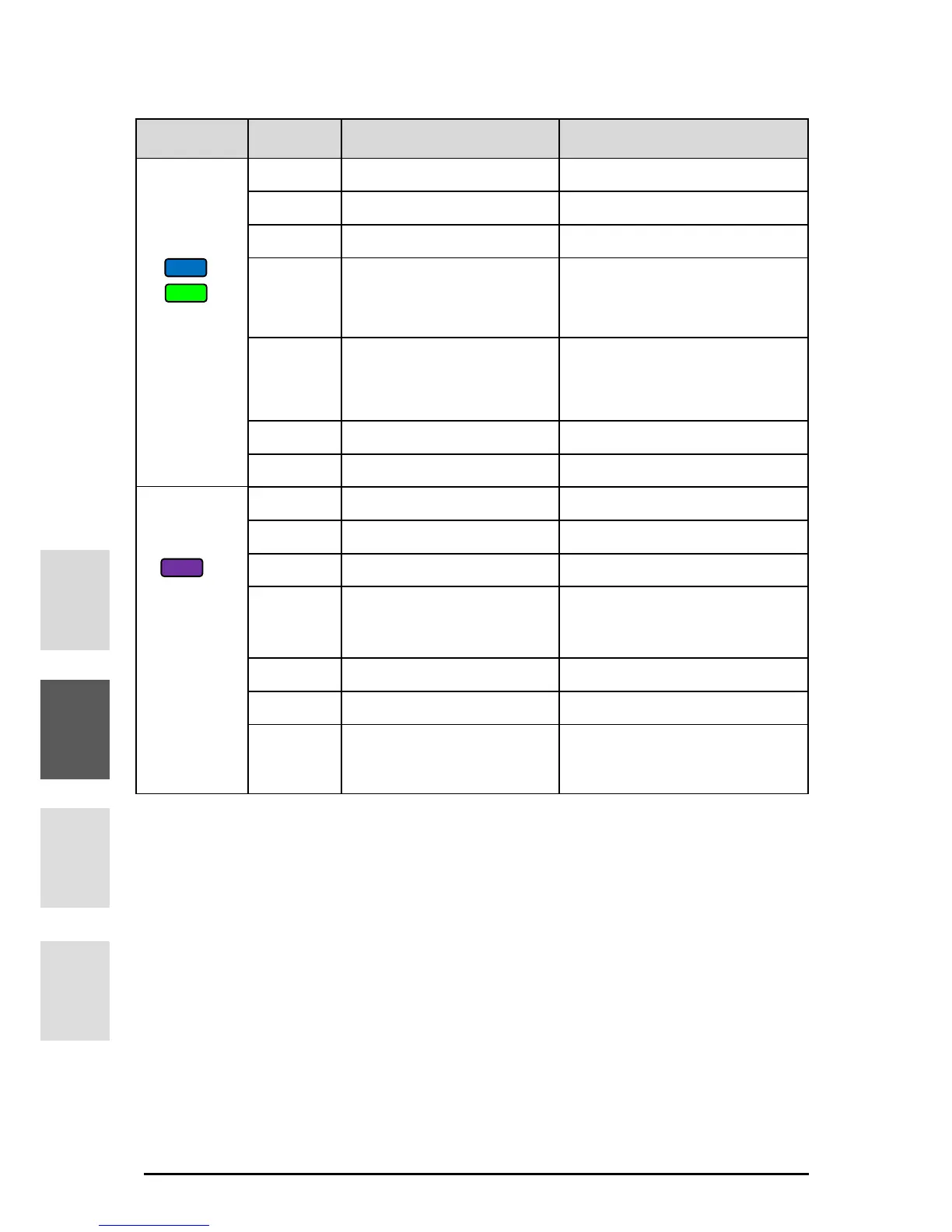
Mode
Button
Function
Description
Zoom mode
blue or
green
ZOOM-IN
To enlarge the image.
One-Push AF
To focus automatically.
ZOOM-OUT
To shrink the image.
(Short press)
LED lighting
On / Off
(Long press)
Brightness adjustment
mode selection
To use and buttons to
adjust the brightness.
Image rotation
To rotate the image.0°/180°
Freeze
To pause or restart the image.
Brightness
adjustment
mode
purple
Brightness
To brighten the image
One-push AF
To focus automatically.
Brightness
To darken the image
Zoom mode selection
To use and buttons to
adjust the zoom.
Image rotation
To rotate the image.0°/180°
Freeze
To pause or restart the image.
+
Initialization of the
brightness
To initialize the brightness level.
34

Table of Contents

Other manuals for Elmo MX-1

Related product manuals