Depending on the computer’s USB environment or the peripheral equipment, image transfer
may be disrupted. We do not guarantee the operation of all types of devices with the MX-1.
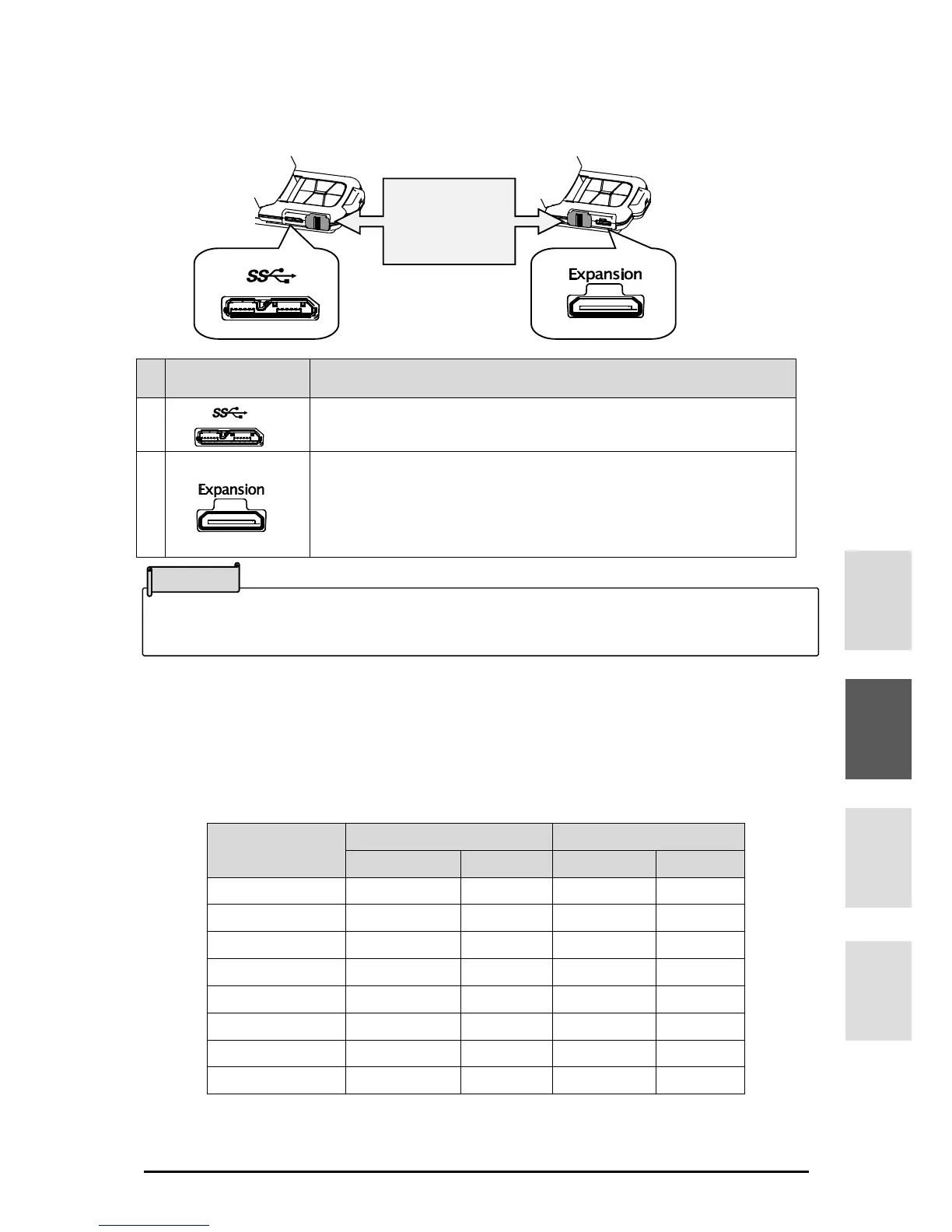
■SIDE PANEL AND CABLE CONNECTION
To connect to a computer to save image data, etc.
(USB3.0 cable is included.)
To connect the MX-1 CONNECT BOX to display to a monitor or
projector without using a computer.
(Expansion cable is include to MX-1 CONNECT BOX.)
Max. resolution 4:3 UXGA1600×1200 16:9 1920×1080p
■RESOLUTION/FRAME RATE
There is no difference in resolution between USB3.0 connection and USB2.0 connection.
The frame rate may be lower than the specification in the following conditions:
- A low-spec computer is used.
- YUV is selected.
Slide the cover
according to the
terminal used.



 To Next Page