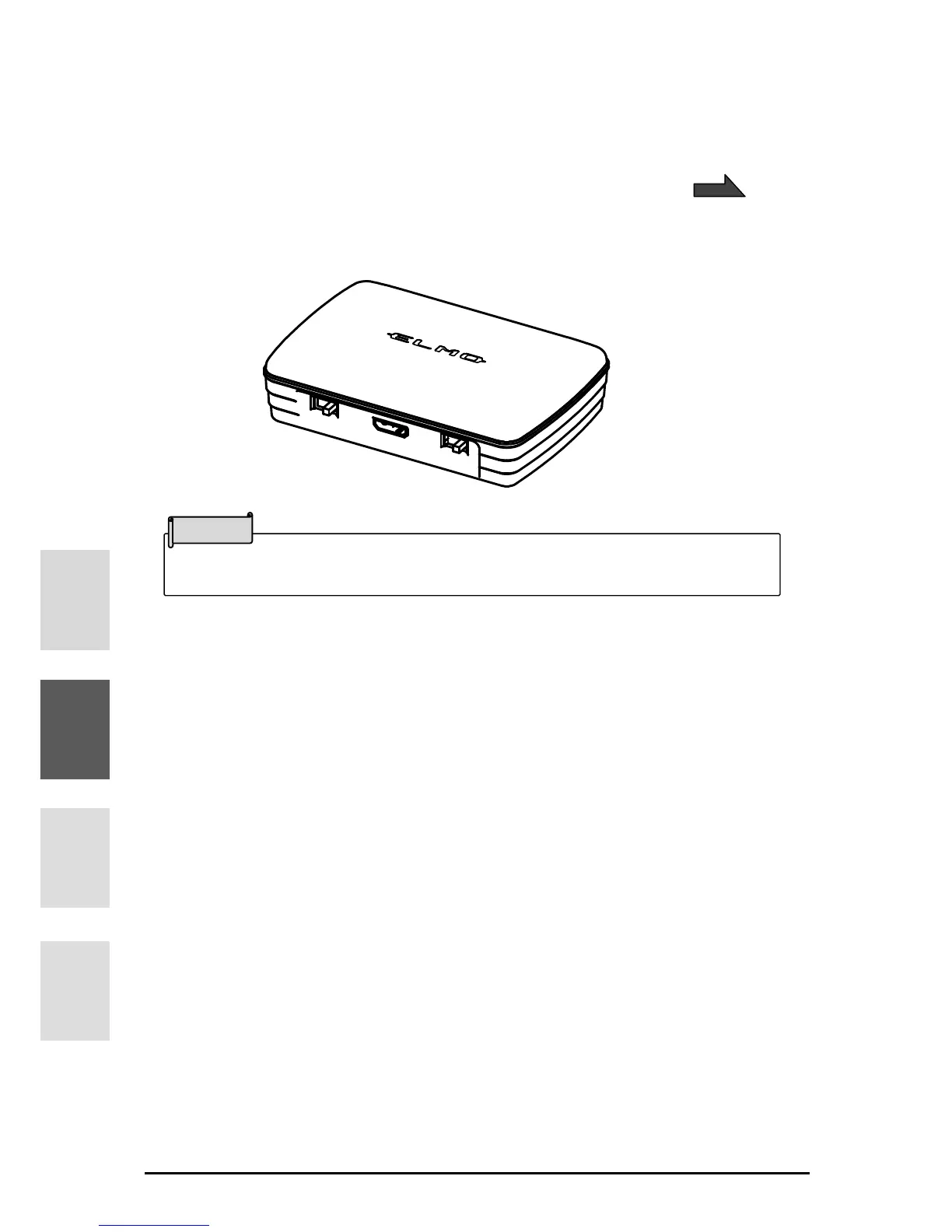
■ABOUT MX-1 CONNECT BOX
The MX-1 can be connected to a projector or a monitor through HDMI or RGB using the MX-1
CONNECT BOX.
For details of the MX-1 CONNECT BOX, refer to the instruction manual included in the MX-1
CONNECT BOX.
■SIZE OF THE OUTPUT IMAGE
The output image varies depending on the setting of the Resolution/Output mode and
whether the MX-1 CONNECT BOX is used or not.
For details of the size of the output image, refer to the instruction manual included in the MX-1
CONNECT BOX.



 To Next Page