12
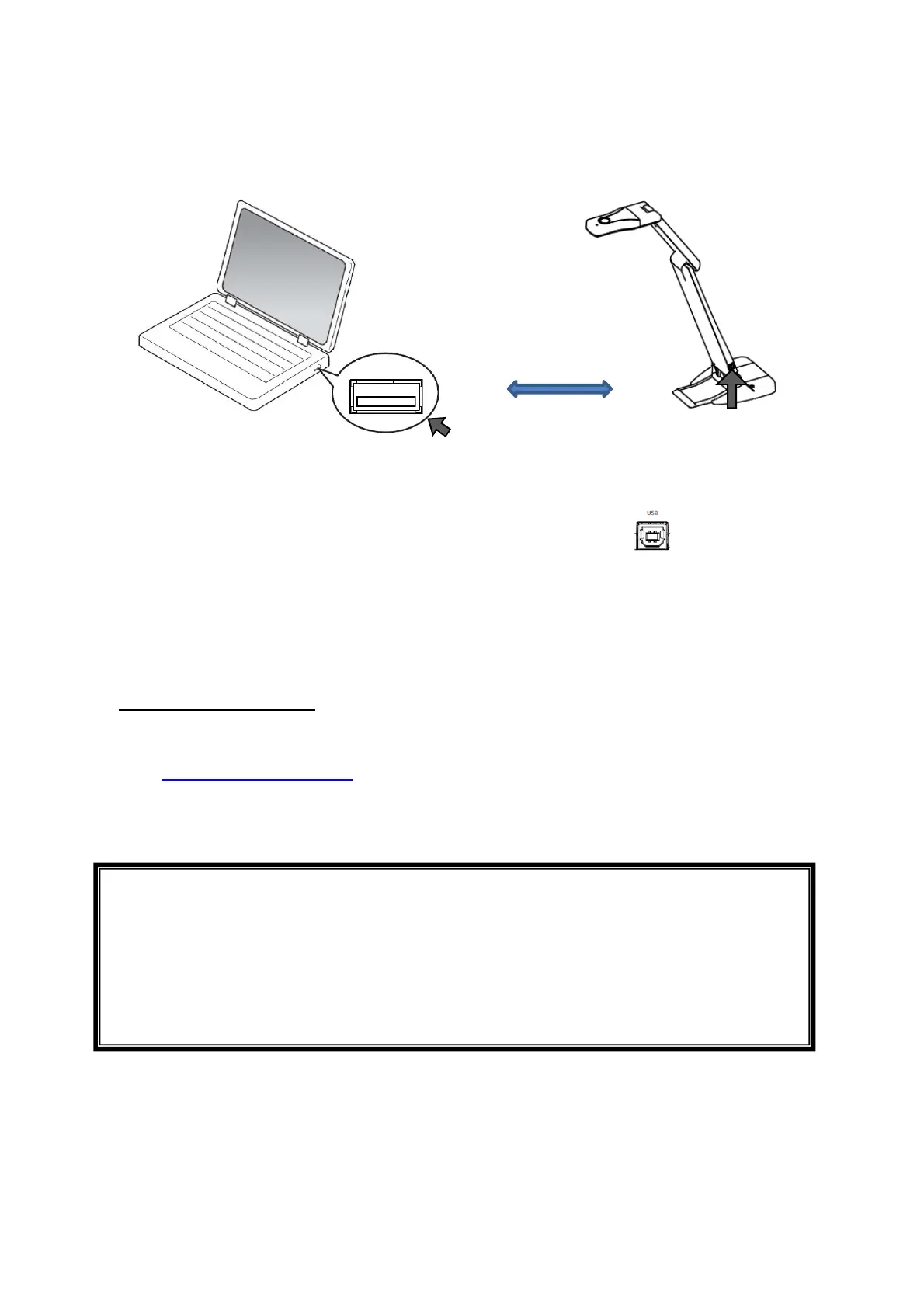
◆CONNECTING TO A COMPUTER
The product is compliant to UVC (USB video class) standard. You can transfer the image via
USB by connecting the product to a computer using the USB cable.
1.Connect the type B connector of the supplied USB2.0 cable to [ ] connector in the
side of the product.
2.Connect the type A connector of the USB2.0 cable to the USB port of your running
computer.
3.Launch the viewer on the connected computer.
※The product will not turn on until the viewer is launched.
About the viewer software
The image can be viewed by using the Elmo "Image Mate+C" or a free viewer software.
Go to the following website when using the "Image Mate +C".
⇒https://imagemate-c.com/
※For details about the “Image Mate +C”, visit the above website.
CAUTION
・If your computer does not meet the recommended requirements or depending on the
performance of your computer, the recording frame rate may be decreased.
・Do not connect/disconnect the USB cable while operating the product . It may cause
malfunction.
・We recommend using the standard USB2.0 cable.
T
e A
USB cable
⇒To the USB port
USB cable
⇒To type B port



 To Next Page