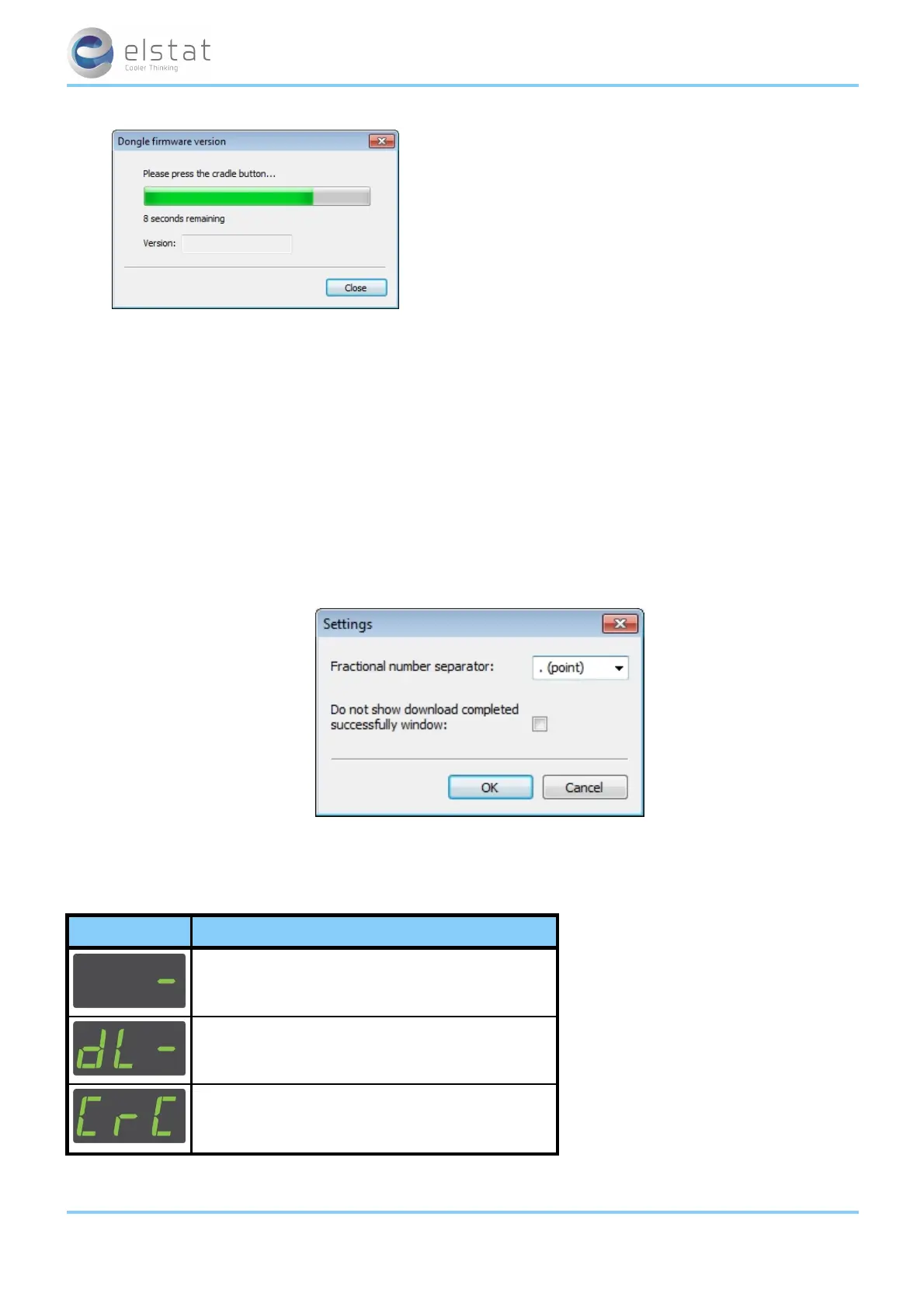
3. Press and hold the button ^ on the USB docking cradle and then check that the version is displayed.
9.12 how to configure the parameter loader
Configure the application settings to set the fractional number separator and the option to display the download completed
successfully window.
To configure the parameter loader settings, click the menu Edit > Application settings to show the dialog below.
Fractional number settings:
l Select .(point) or ,(comma) according to the decimal format in your region.
Do not show download completed successfully window:
l Check this option to stop the down completed successfully window appearing after each successful download.
9.13 display codes for parameter downloads
The table below shows the display when downloading parameters to the controller.
display description
The parameter programming tool (dongle) is connected.
The parameter download is in progress.
The parameters were download but are out of range.
ems55advanced and ems55Radvanced / General Use
64 of 84



 To Next Page