l The control display module must not be exposed to temperatures greater than 50°C (122°F)or lower than 0°C
(32°F).
3.11 How to mount the control display module
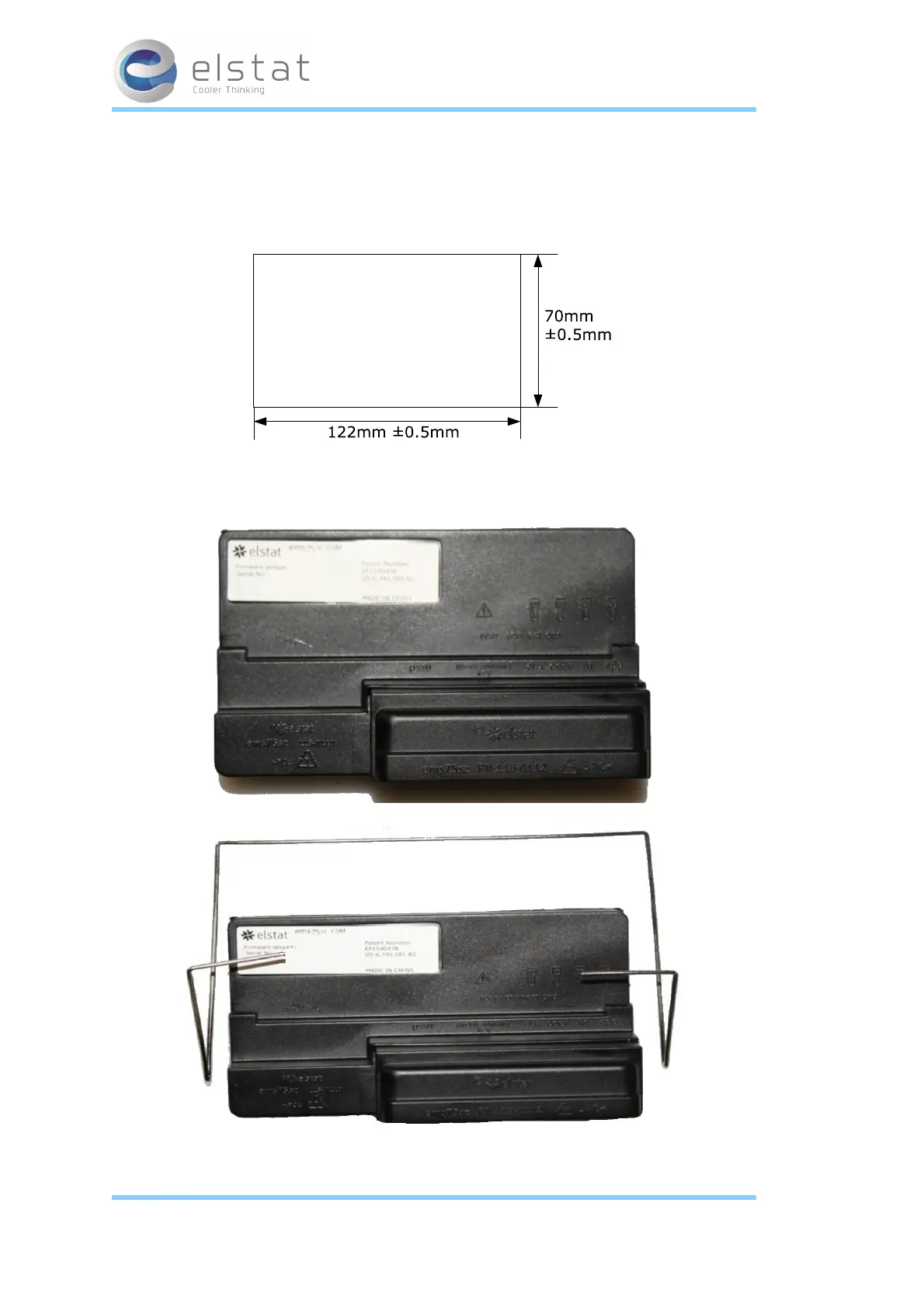
The control display module is designed for panel mounting and is secured using the fitted clips.
The aperture dimensions are shown below.
To mount the control display module, remove the retaining clip and insert the control display module
into the aperture, as shown below.
Then, place the retaining clip into position as shown below.
Finally, secure the retaining clip as shown below and ensure that the control display module is held
firmly in position.
15 of 86
27 February 2014



 To Next Page