Product Manual, Issue 6 CMS200
www.nexo.comPage 46
6.2 Parameter validation
The CMS200 controller validates the parameter values that have been manually set by the user by checking
that the values do not clash with each other.
Below is the set of rules the controller validates the parameter values against:
1. SP must be > dtt
2. SSP must be > SP
If any of these rules are broken a warning will be shown on the display, in the form of the two clashing
parameters and three beeps of the buzzer.
The controller will display the clashing parameters when the back button is pressed (just before “byE” is
displayed and the controller reboots) when exiting the parameter listings.
The controller will only display one broken rule at a time even if all rules are broken. Priority order as above.
6.3 Parameters denition
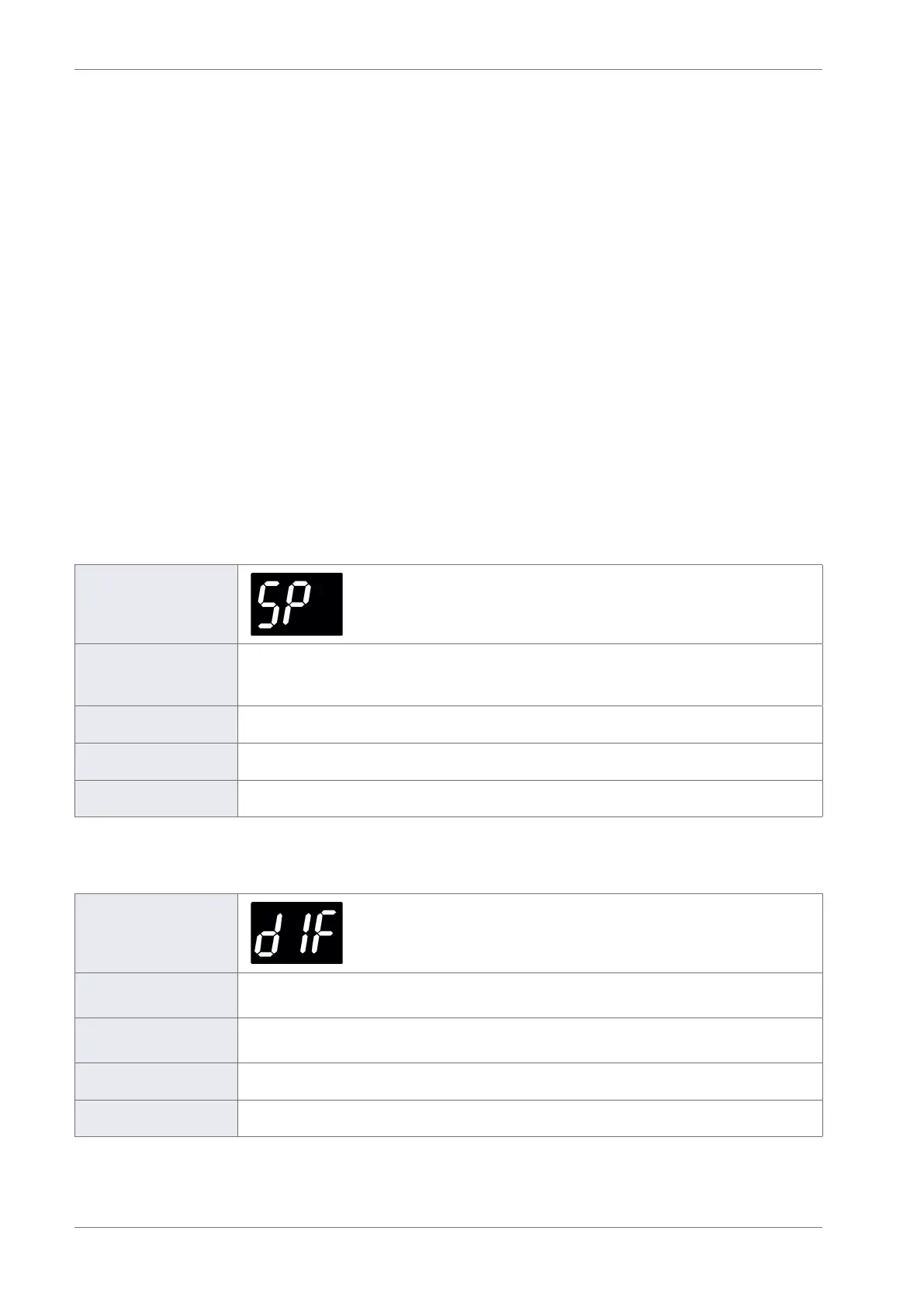
6.3.1 Set point (SP)
Display
Description
Denes the compressor cut-out temperature during the ready mode. The set point
(SP) temperature is the lowest measured temperature under normal operating
conditions.
Considerations Must be above the freeze-up protection (dtt) temperature.
Range -9.9 to 9.9°C (14 to 50°F)
Global default -3.0°C (27°F)
6.3.2 Dierential (dIF)
Display
Description
Denes the compressor cut-in temperature when added to the set point (SP)
temperature during the Ready mode.
Considerations
If the dierential (dIF) is set too low, for example, less than 2.0°C the compressor may
cycle on the minimum compressor rest time (rt).
Range 0.0 to 9.9°C (0 to 18°F)
Global default 3.0°C (5°F)



 To Next Page