Buzz
9
emax-usa.com
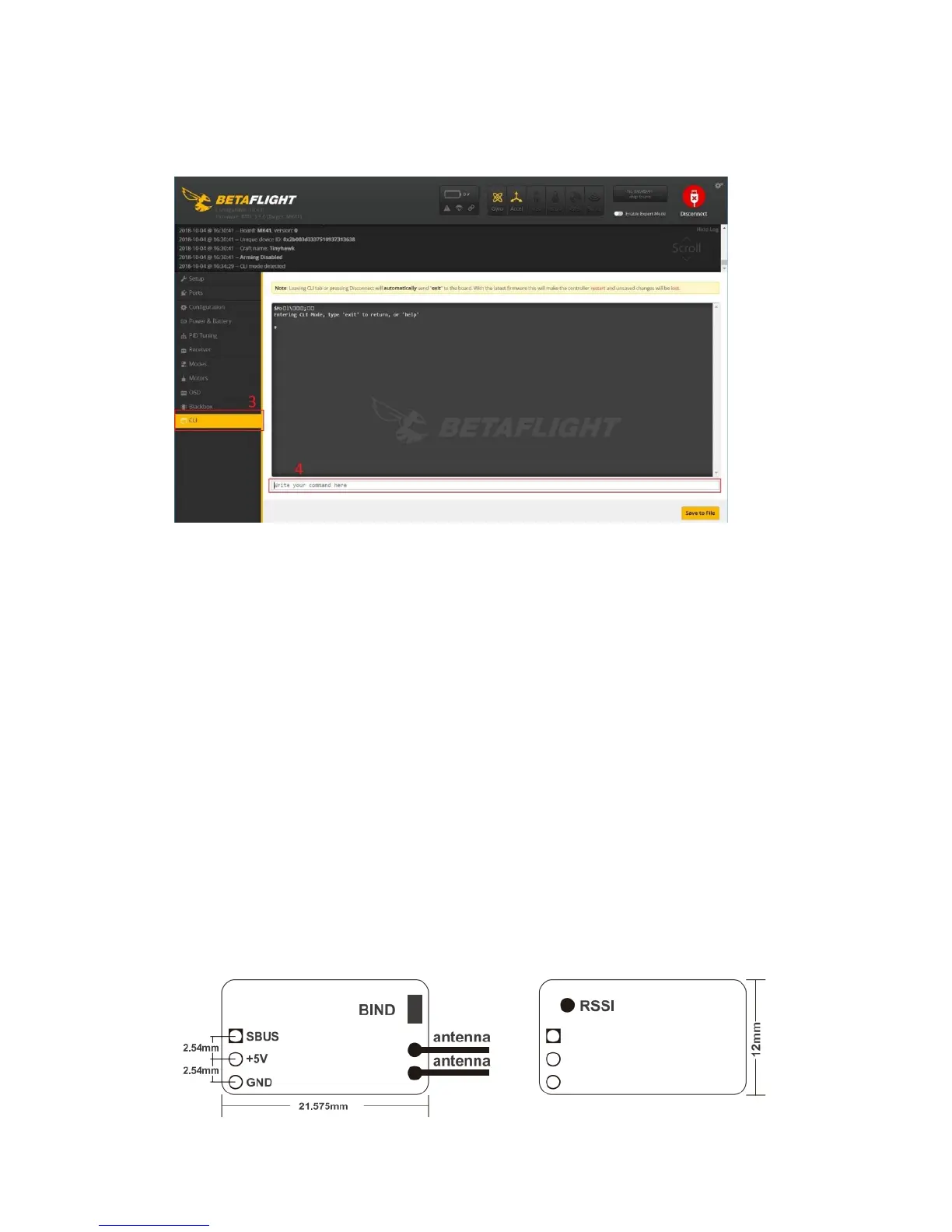
3. Open the CLI Dump File in a text editor and copy all the text.
4. Paste the settings into the command bar and press enter
5. Buzz will reconnect to Betaflight when completed
VTX Power Cut Off Switch
The Buzz flight controller is configured with a switch for power for the vtx controllable
from an RC channel. This allows turning off the VTX from a switch on a controller.
This is useful when testing Buzz and you do not want to spam your video or in a
team race situation.
Operation:
Configure a 4 channel switch (AUX 4) on your radio to be a high – low switch. With
this switch in a high state, the vtx power is on. With the switch in a low state the vtx
will be off. The flight controller is already configured in betaflight with stock settings. If
this is not working properly please return Buzz to stock betaflight settings.
Caution: When the VTX is in the off state, there is just enough power to keep the
channel indicator on the VTX on so you can visually see the channel it is set to. This
is enough power to transmit video signal about 5 ft away. If you are testing the switch
in a close situation you may see some video in your goggles when in the off state.
Buzz Receiver
The Buzz is using an FrSky XM+ 16 CH diversity receiver.














 To Next Page