17
Blood Glucose Monitoring System
Setting Up Your New System
Inserting (or Changing) the Battery
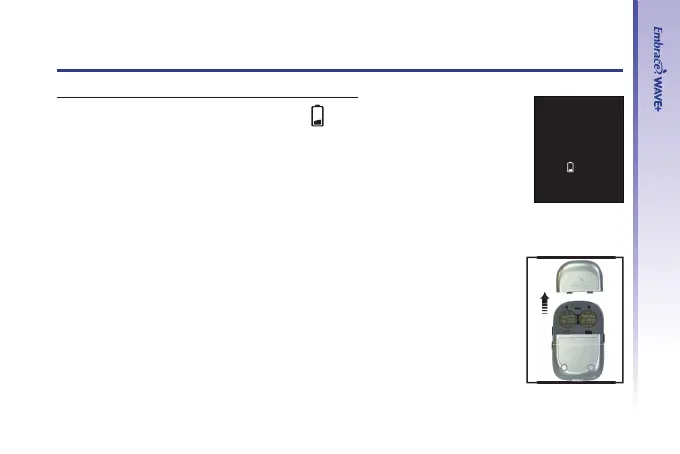
Batteries need to be changed when the “ ” icon appears on the meter
display.
Materials you will need:
• Two CR 2032 3V Lithium coin cell batteries
• Your Embrace
®
WAVE+ Blood Glucose Meter
Step 1.
Turn meter off. Remove the battery cover on the back of the meter by
pushing the tab and pulling the cover up. Remove the old batteries.
Step 2.
Insert the new batteries with the + side up. They do not snap into place
but rest on the metal contact. The cover holds the batteries down.
Put the battery cover back in place and snap it closed.



 To Next Page