66
Blood Glucose Monitoring System
Solving Problems
This section details the signicant display screen messages and error codes you will
encounter when using your Embrace
®
WAVE+ Blood Glucose Meter and Embrace
®
WAVE
Blood Glucose Test Strips.
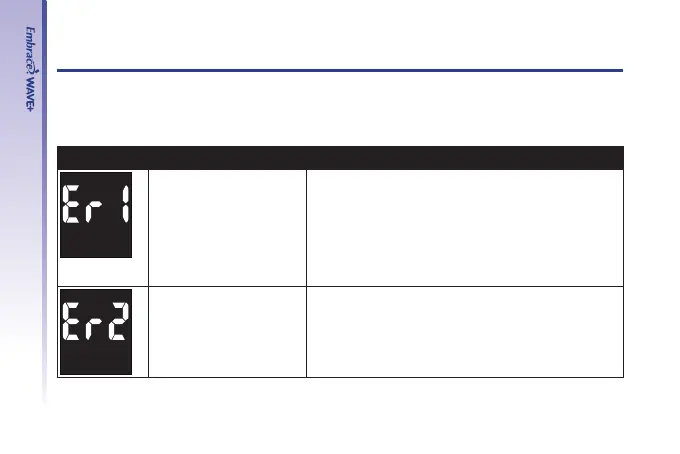
Message What It Means What You Should Do
Damaged meter
electronics or test strip
• Replace the batteries and turn on the meter
again.
• Remove the test strip and insert a new test
strip again.
• If problem persists, call us at 1-877-979-5454
Monday through Friday from 9am to 5pm EST.
Used or contaminated
test strip
• Remove the test strip and repeat the test with
a new test strip. Wait until you see the ashing
blood drop icon before you add blood or control
solution sample.



 To Next Page