18
Blood Glucose Monitoring System
NOTE:
• After changing the batteries, the meter automatically prompts you to check the time and
date when it is turned on either by inserting a test strip or pressing “
”. If it is correct,
press “
” to conrm setup and exit, or if the time and date are not correct, turn to page
18 for Setting the Clock.
• The stored results in memory will not be erased when the batteries are being changed.
• Discard used batteries according to your local regulations.
• The meter uses two CR 2032 3V Lithium coin cell batteries and can be found in most
retail stores or on Amazon.com. Always keep a spare package of batteries on hand.
• Be sure the batteries go in + side up.
• Remove the batteries if the meter is not used for a long period of time.
Clock Setup
Material you will need:
• Your Embrace
®
WAVE+ Blood Glucose Meter
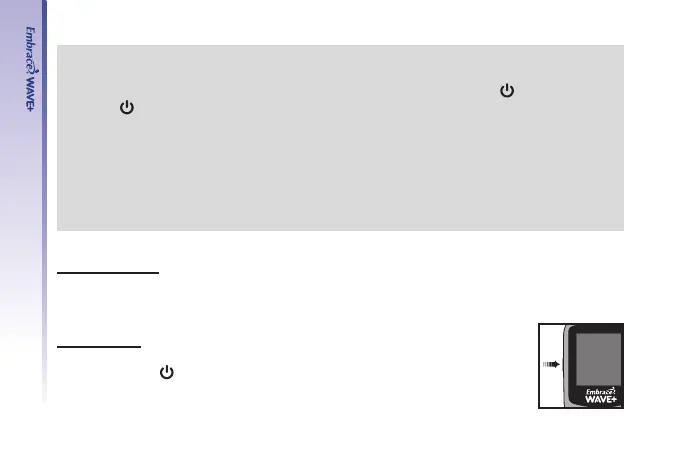
Begin Set Up
Step 1.
Press and hold “
” to turn on the meter.



 To Next Page