24
Blood Glucose Monitoring System
NOTE:
• Alarm will not ring during testing.
• Alarm will follow the time format (12-hour or 24-hour) you choose when setting up the
clock.
• Alarm settings will not be erased when changing the batteries.
Begin testing by inserting a Embrace
®
WAVE Blood Glucose Test Strip (see Testing Your
Blood Glucose on page 38 or Control Solution Testing on page 31), or press and hold “
” to
turn off the meter.
Beeper Setup
The beeper on your Embrace
®
WAVE+ Blood Glucose Meter is preset to ON. Turning off the
beeper could mean you miss many important cues from your meter, such as being alerted
to conrmation of a correct test or to an error message. You can adjust the beeper feature
as follows.
Material you will need:
• Your Embrace
®
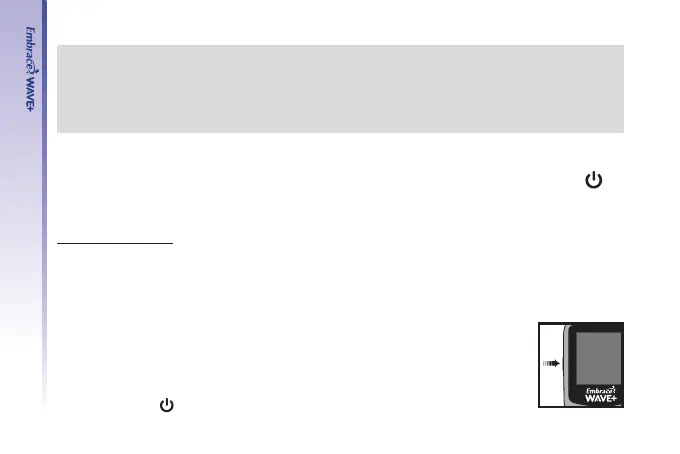
WAVE+ Blood Glucose Meter
Step 1.
Press and hold “
” to turn on the meter.



 To Next Page