25
Blood Glucose Monitoring System
Step 2.
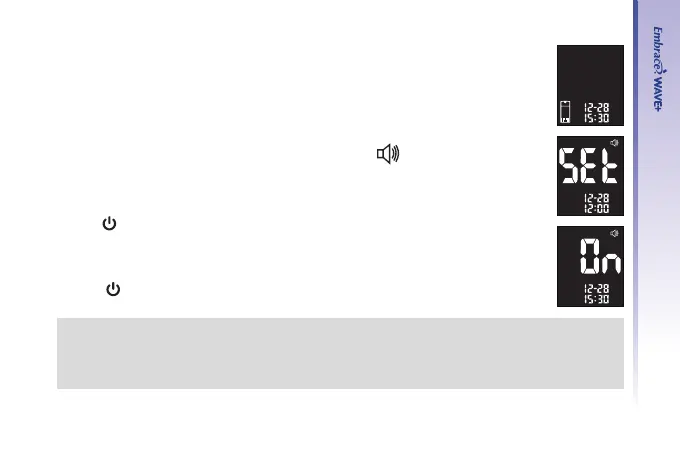
The ashing test strip icon will appear on the meter display screen.
Step 3.
Press “▲” or “▼” until meter display screen shows “
”.
Step 4.
Press “
” to enter beeper setup. Use “▲” or “▼” to turn on/off the tone.
Step 5.
Press “
” to conrm and exit once you have made your selection.
NOTE:
• Anytime during setup, you can insert a Test Strip and begin testing. Any changes made
so far will be stored.
• Your volume settings will not be erased when changing batteries.



 To Next Page