43
Blood Glucose Monitoring System
Performing a Blood Glucose Test
Step 1.
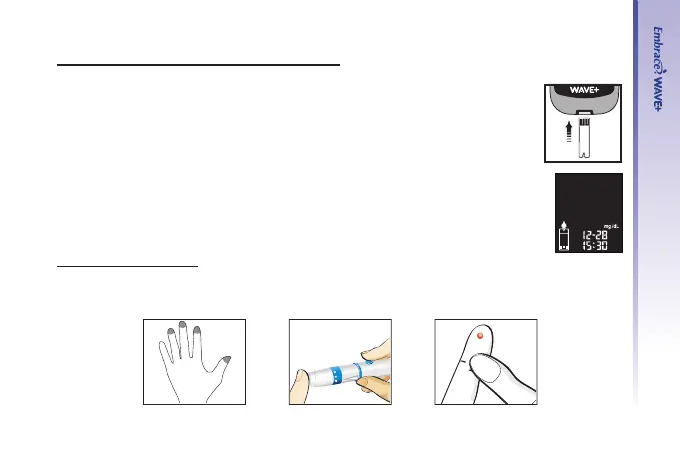
Insert a Embrace
®
WAVE Blood Glucose Test Strip to turn on the meter.
Step 2.
Wait for the ashing blood drop and test strip icons to appear on the left of
the meter display screen.
Step 3- Obtain blood sample
For Fingertip Testing:
Hold the lancing device against the side of your ngertip and press the
release button to obtain a small drop of blood.
3
4
5



 To Next Page