19
Blood Glucose Monitoring System
Step 2.
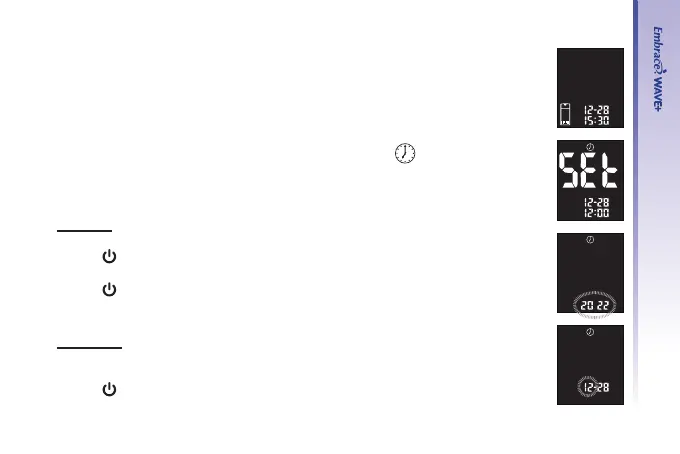
The ashing test strip icon will appear on the meter display screen
Step 3.
Press “▲” twice and the meter display screen shows “
”.
Set Year
Step 4.
Press “
” and the current year will ash. Press “▲” or “▼” to select the
correct year.
Press “
” to conrm your choice and advance to set the month
Set Month
Step 5.
The current month will ash. Use “▲” or “▼” to select the correct month.
Press “
” to conrm your choice and advance to set the day.



 To Next Page