20
Blood Glucose Monitoring System
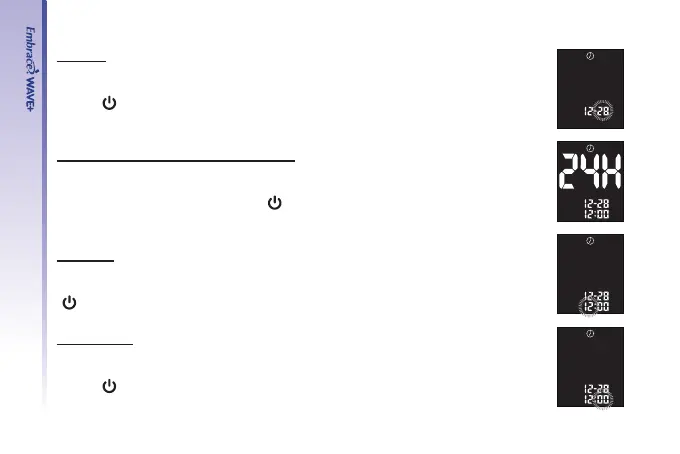
Set Day
Step 6.
The current day will ash. Use “▲” or “▼” to select the correct day.
Press “
” to conrm your choice and advance to set the 12-hour or 24- hour
time format.
Set 12-hour or 24-hour Time Format
Step 7.
The current time format will ash. Press “▲” or “▼” to select either 12-hour
format or 24-hour format. Press “
” to conrm your choice and advance to
set the hour.
Set Hour
Step 8.
The current hour will ash. Press “▲” or “▼” to select the correct hour. Press
“
” to conrm your choice and advance to set minutes.
Set Minutes
Step 9.
The current minutes will ash. Press “▲” or “▼” to select the correct minutes.
Press “
” to conrm your choice and nish setting the clock.



 To Next Page