67
Blood Glucose Monitoring System
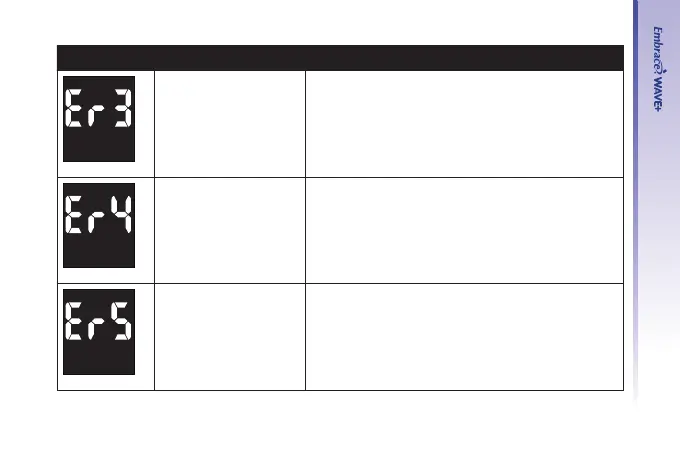
Message What It Means What You Should Do
Not enough sample on
the test strip to start
the test
• Remove the test strip and repeat the test
with a new test strip. See Testing Your Blood
Glucose on page 38.
Removed test strip
during countdown
• Turn the meter off and repeat the test with a
new test strip.
Meter fails in
Bluetooth status check
• Replace the batteries and turn the meter on
again.
• If problem persists, call us at 1-877-979-5454
Monday through Friday from 9am to 5pm EST.



 To Next Page