35
Blood Glucose Monitoring System
Step 5.
Hold the meter and touch the control solution to the edge of the sampling
end of the test strip. The control solution will be automatically pulled into the
reaction area of the test strip.
Step 6.
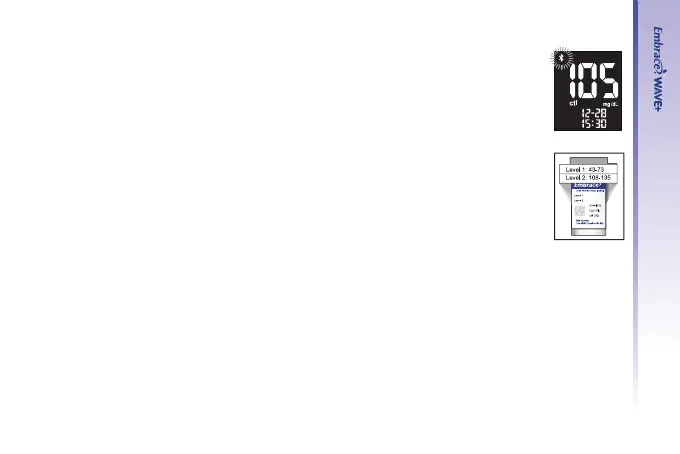
The screen will start to count down. After 5 seconds, the control test result
will appear on the meter’s display screen.
A “ctl” ag will also be attached when results are shown on the screen
Step 7.
Compare the reading on the screen to the control range printed on the test
strip bottle (for vial test strip) or box (for foil-wrapped test strip). If the reading
falls outside the control range, see Control Solution Trouble Shooting on page 37.
(Ranges are only
for example)



 To Next Page