53
Blood Glucose Monitoring System
NOTE:
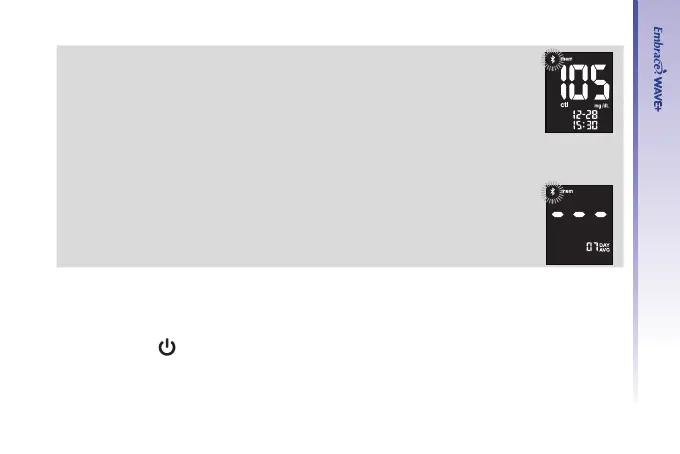
• Control testing results will be agged by a “ctl” icon on lower left of the
unit measurement.
• If the user entered the control testing in the mode as described above,
the control results will be marked with the "ctl" and they won't be
included in the averages. But, if the control mode was not entered, then
the result will be averaged in with the blood test results of the user.
• When the memory is full, performing a new test will delete the oldest
test result.
• When there are no day averages available, the display screen will show
3 dashes.
• Hypoglycemic readings and hyperglycemic readings will be accompanied
by the corresponding icons.
After you nish viewing memory or daily average, either begin testing by inserting a test
strip (see Testing Your Blood Glucose on page 38 or Control Solution Testing on page 31), or
press and hold “
” to turn off the meter.



 To Next Page