70
Blood Glucose Monitoring System
Message What It Means What You Should Do
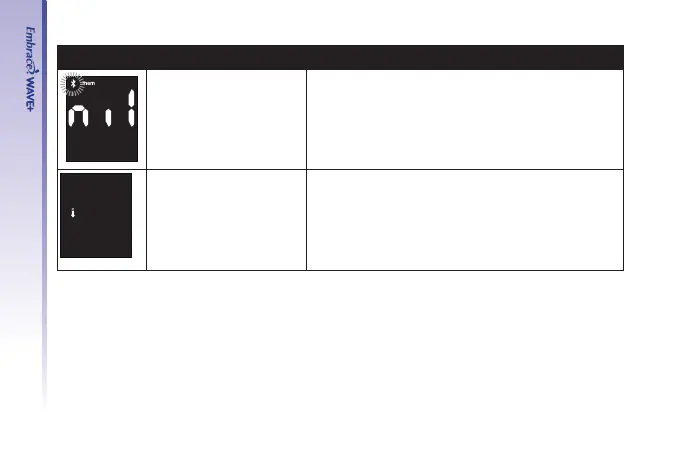
No results in the
memory in the meter
• Check if the date and time on your meter is set
up. See Setting Up Your New System on page
17.
• Start testing your blood glucose, see Testing
Your Blood Glucose on page 38.
Temperature out of
range
• Move the meter into an area that is within
41˚F~113˚F, and allow 10 to 15 minutes for it to
reach the new temperature.



 To Next Page