ES120 OPERATION MANUAL
IU ES120 2009-03-01 ENG.3.0
8.5.
Monopolar coagulation
As a rule, coagulation is performed with a ball or plate electrode.
The manner of connecting electrodes is explained in
Fig. 5.
Prior to the operation the type of coagulation should be selected; soft or forced
coagulation.
The selection is made with push-buttons
K5
and
K6.
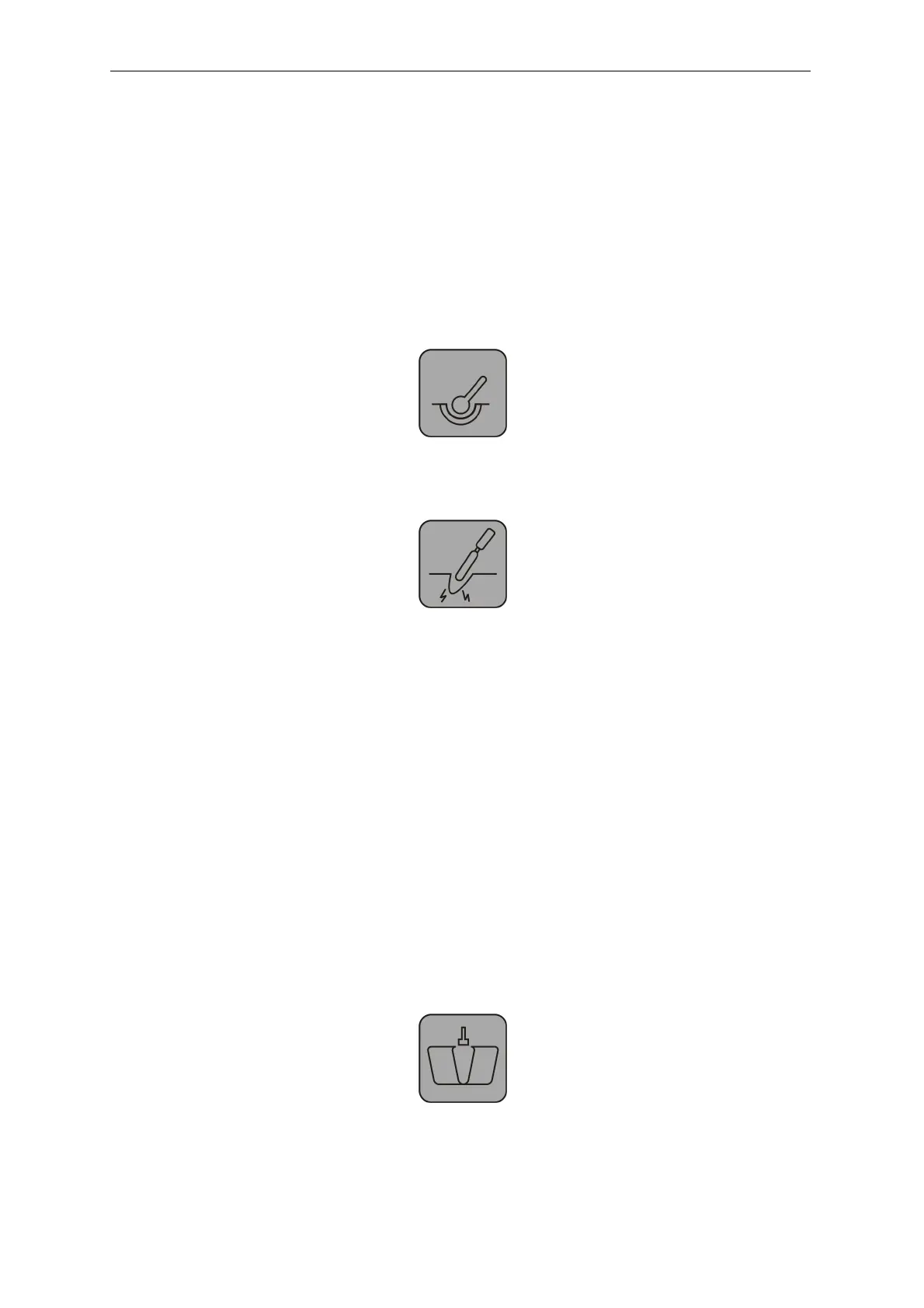
Soft coagulation (
K5
)
Forced coagulation (
K6
)
The generator, while in the monopolar coagulation, can be started with the blue button on the
electrode handle or with the blue footswitch button.
In order to monopolar coagulation, using a double foot switch, one should press K9
button – sygnalized by the blue coulored light on the left from K9 button.
n the cutting mode the system is switched on by the yellow-coloured push-button in the
electrode handle or the yellow-coloured push-button of the double foot switch. In order to cut
using the single foot switch, it should be set for the cutting work mode (with push-button K9).
To activate the monopolar coagulation using the one-button footswitch a footswitch
has to be in the activating the monopolar coagulation mode by pressing K9 – signalized by a
blue led on the left side of the K9 button.
Press the food-operated switch to activate follow function:
cutting / monpolar coagulation / bipolar coagulation (
K9
)
23


 To Next Page