2.3 Rotate the electronics on the meter (optional)
You can rotate the transmitter on the meter up to 90°.
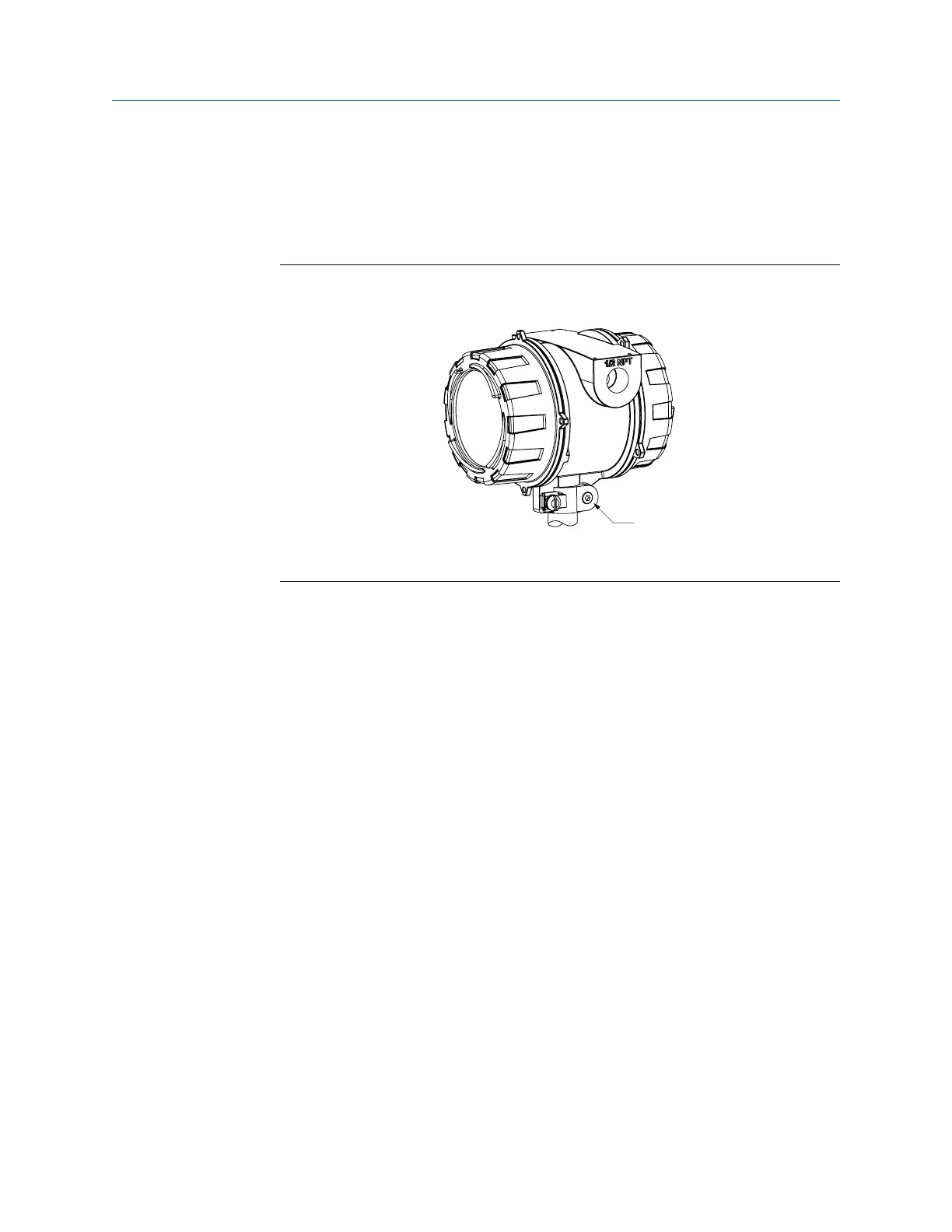
1. Using a 4 mm hex key, loosen the cap screw that holds the transmitter in place.
Component to secure transmitter in placeFigure 2-4:
A. M5 socket-head cap screw
2. Rotate the transmitter clockwise to the desired orientation up to 90°.
3. Secure the cap screw in place and tighten to 60 lb·in (6.8 N·m).
2.4 Rotate the display on the transmitter
(optional)
The display on the transmitter electronics module can be rotated 90° or 180° from the
original position.
Mounting
20 Micro Motion
®
Gas Density Meters















 To Next Page