5. Your router will apply the settings and reboot.
6. The internet configuration is now completed.
2.5 Configuring the router for connection with the Internet
via PPTP
1. Launch your internet web browser on your computer and type http://192.168.8.1 in
your browsers address bar.
2. Please enter the User Name: admin and Password: admin and then click on “OK”
button.
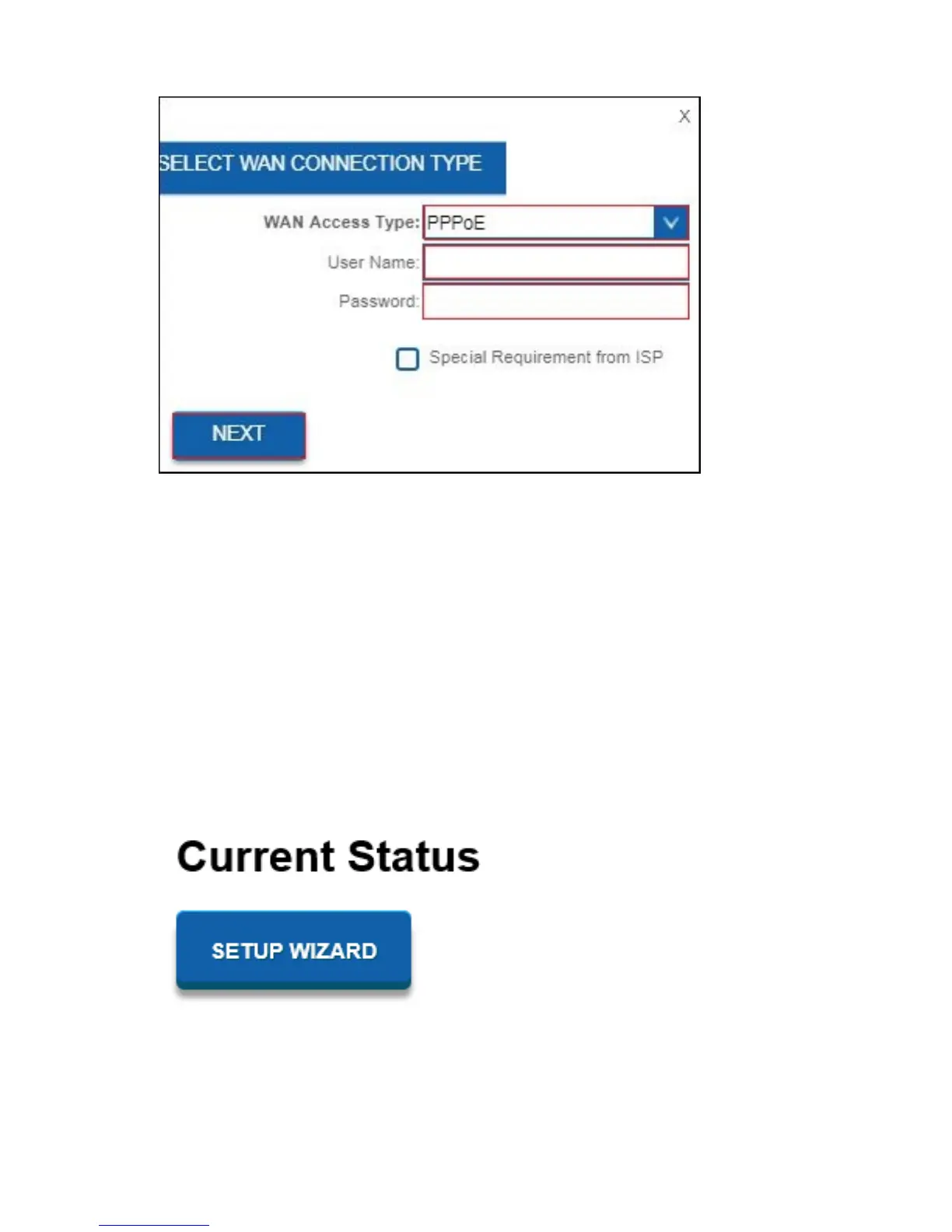
3. Click on “Setup Wizard”.
4. Please make sure WAN Access Type “PPTP” is selected. Enter your Servers’s IP
address including “User Name” and “Password” and click on “Next”.



 To Next Page