8.2 URL Filtering
In some cases you will want to block access to the Internet. If, for instance, you have
children, you may want to block some explicit websites. You can do this using the
built-in URL filtering method.
Hint! For your own security the Firewall is enabled by default. We do however advise
you to also use a virus scanner and always keep it up to date.
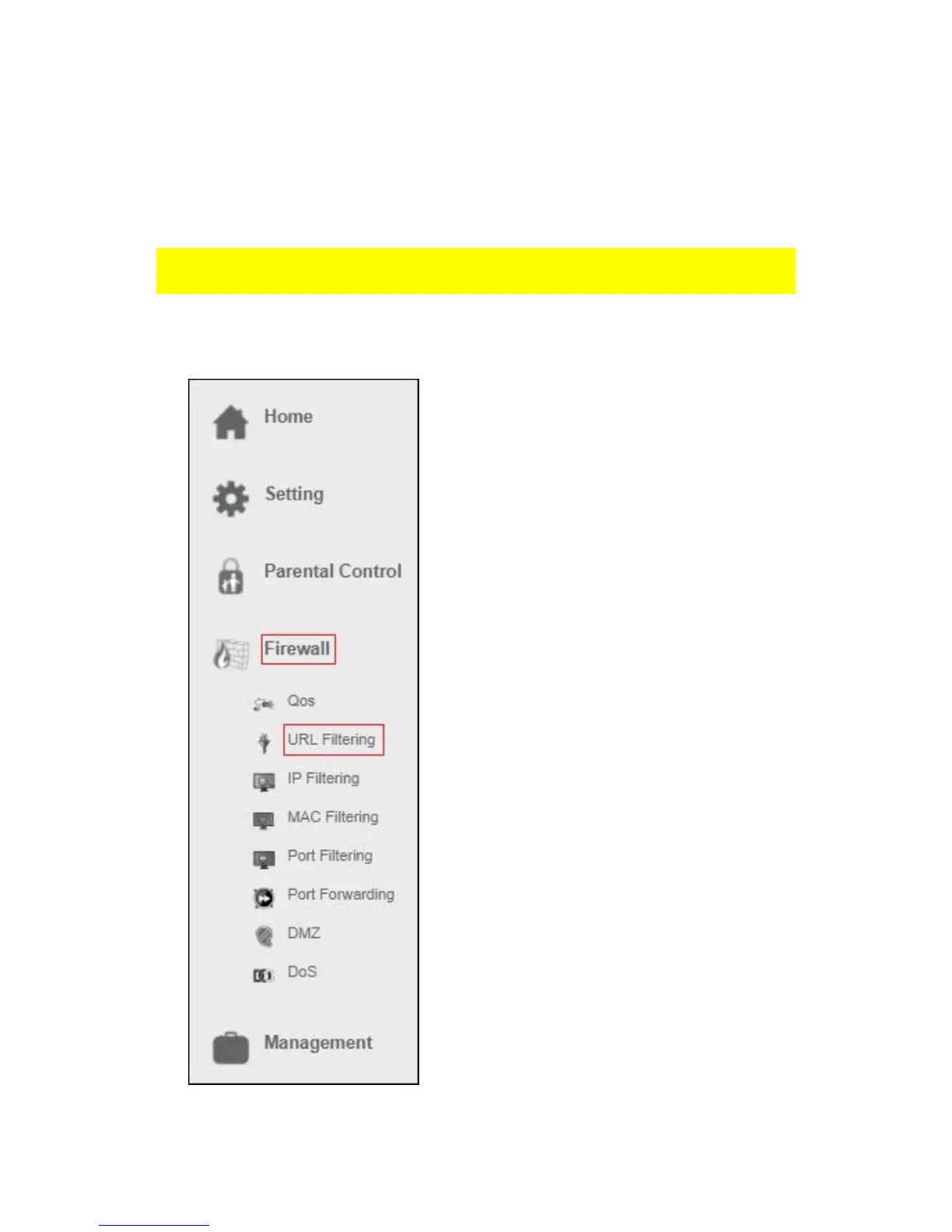
1. From the left-hand menu, click on “Firewall” – “URL Filtering”.



 To Next Page